A visual notes app allows you to capture thoughts, ideas, and information quickly while keeping notes organized and easy to revisit.
A visual notes app is a tool designed to help people capture ideas and information in a clear and organized way.
Instead of relying on long documents or complicated systems, visual note taking focuses on simplicity.
Notes are structured in a way that allows users to quickly understand and revisit their ideas.
This approach works particularly well for people who think visually.
A visual notes app helps users capture thoughts quickly while keeping information organized.
The goal is to reduce friction between having an idea and recording it.
Ideas often appear unexpectedly.
A useful thought might arise during a conversation, while reading a book, or during a moment of reflection.
If that idea is not recorded quickly, it may disappear just as quickly.
This is why many people rely on notes as an external memory system.
A quick notes capture app allows users to write down thoughts the moment they appear.
By capturing ideas immediately, people can return to them later when they have time to develop them further.
Many note taking tools are designed for complex documentation.
They may include multiple formatting options, folders, templates, or advanced organization systems.
While these features can be useful for large projects, they sometimes create friction during quick idea capture.
When opening a note requires several steps, users may delay writing something down.
A visual note taking app focuses on simplicity.
The interface encourages fast input and clear structure.
This makes it easier to capture ideas without interruption.
Some people naturally process information visually.
Instead of remembering long paragraphs of text, they recall key phrases, patterns, or categories.
Visual note taking supports this type of thinking.
Short notes, simple titles, and organized lists make information easier to scan.
A visual thinking notes app allows users to see ideas quickly without reading through large blocks of text.
This clarity helps improve understanding and recall.
People use note apps for many different purposes.
Notes may include short reminders, creative ideas, or information collected during research.
Common examples include:
A simple notes organizer allows these different types of information to be stored in one place.
By grouping related notes together, users can revisit their thoughts more easily.
Notes become far more useful when they are organized properly.
Without organization, notes quickly become scattered across different apps or notebooks.
This fragmentation makes it difficult to locate important information later.
A structured notes system provides several benefits:
A visual notes app helps maintain this organization while keeping the process simple.
Many people use notes not just for reminders but also for building personal knowledge systems.
When notes are recorded consistently, they gradually accumulate into a valuable knowledge base.
Ideas from books, experiences, and conversations can all be stored in one place.
Over time, this collection of notes becomes a resource for learning and creativity.
An idea capture notes app allows users to store these ideas as they appear.
Later, these ideas can be revisited and expanded.
DoMind provides a simple environment for capturing and organizing notes.
Users can quickly create notes with titles and written content.
Each note can represent a specific idea, thought, or piece of information.
Notes are saved instantly, allowing users to capture thoughts without interruption.
Even if the app closes unexpectedly, saved notes remain accessible.
This reliability encourages users to record ideas freely.
As notes accumulate, organization becomes increasingly important.
Grouping related notes together makes them easier to review.
For example, a user may create groups for:
This structure transforms a collection of notes into a clear knowledge system.
A visual notes app allows users to navigate these groups easily.
Sometimes typing is not the fastest way to capture ideas.
Voice-to-text tools allow users to record thoughts quickly using speech.
This can be especially helpful when ideas appear while walking, commuting, or multitasking.
A visual notes system supports both typed notes and voice input.
This flexibility allows users to choose whichever method feels fastest in the moment.
Notes often need to be reused in other places.
Users may want to copy an idea into a document, message, or project plan.
Simple tools that allow quick copying make this process easier.
A visual note taking app should make it easy to copy both the note title and content when needed.
This allows ideas to move easily between different workflows.
The most important feature of any notes system is ease of use.
If capturing an idea requires too many steps, users may stop recording their thoughts.
A visual notes app focuses on reducing friction.
Opening the app, writing a note, and saving it should take only a few seconds.
This simplicity encourages consistent note taking.
Many great ideas begin as small fragments.
A single sentence written today may later become the foundation for a larger project.
By capturing ideas regularly, users build a collection of thoughts that can be revisited and expanded.
A visual notes app provides the space where these ideas can live and grow.
Over time, small notes accumulate into a valuable resource of knowledge and creativity.
In the long run, the habit of capturing ideas consistently can shape how people learn, think, and create.
See your entire day visually in one place with DoMind's visual daily planner and task overview.
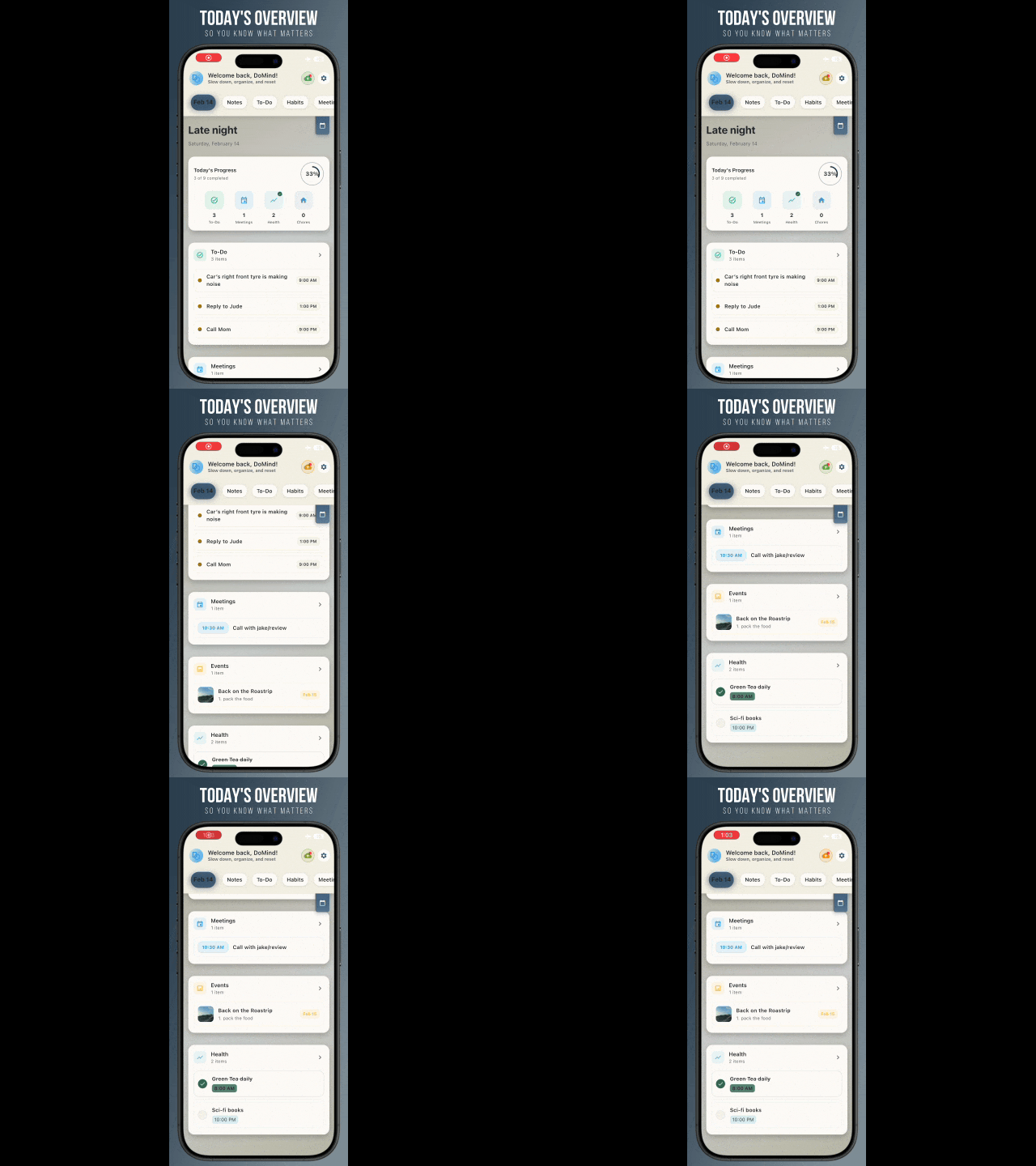
A clean visual planner designed for focus and calm.
Your life, organized
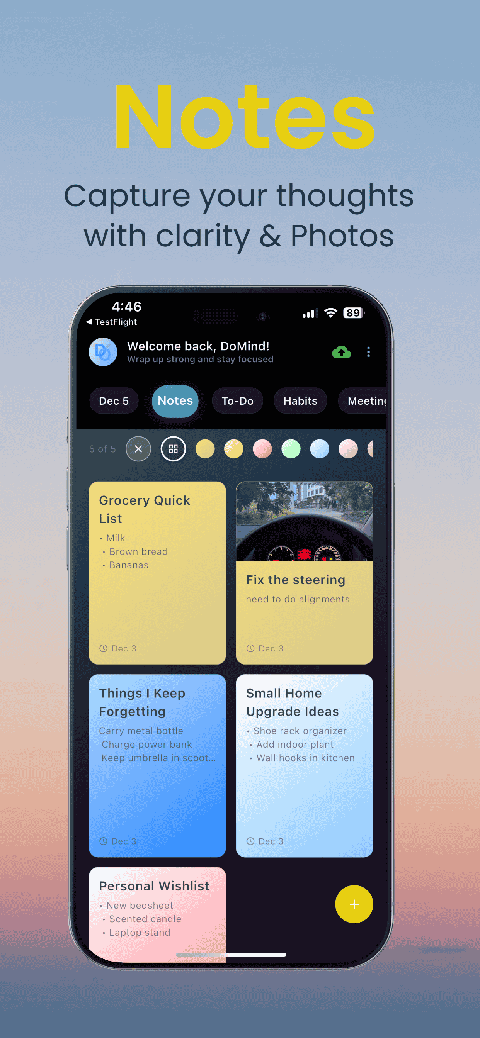
Visual notes
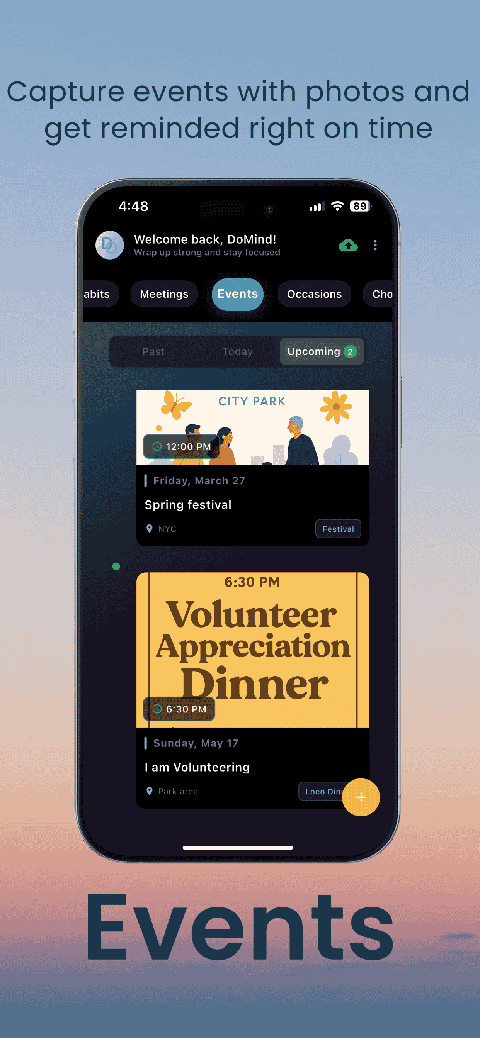
Plan events
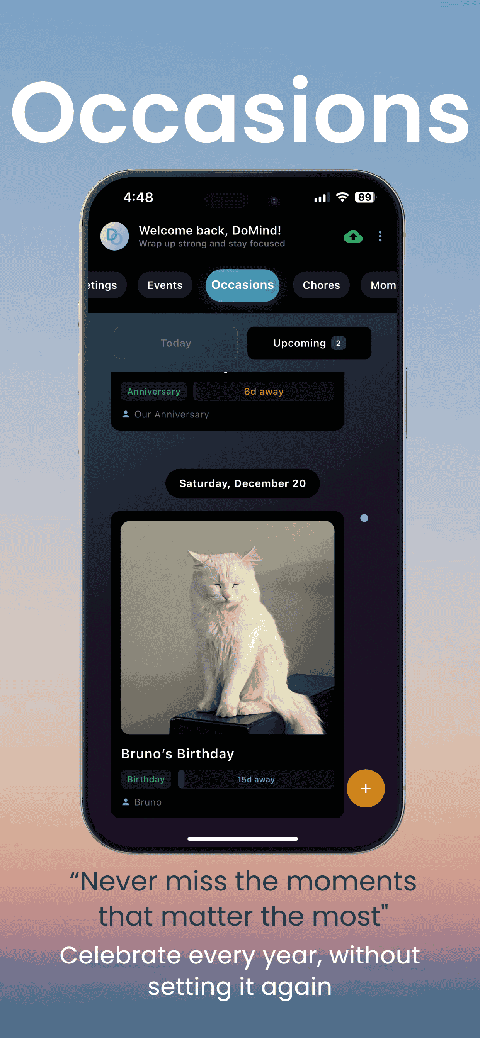
Private memories
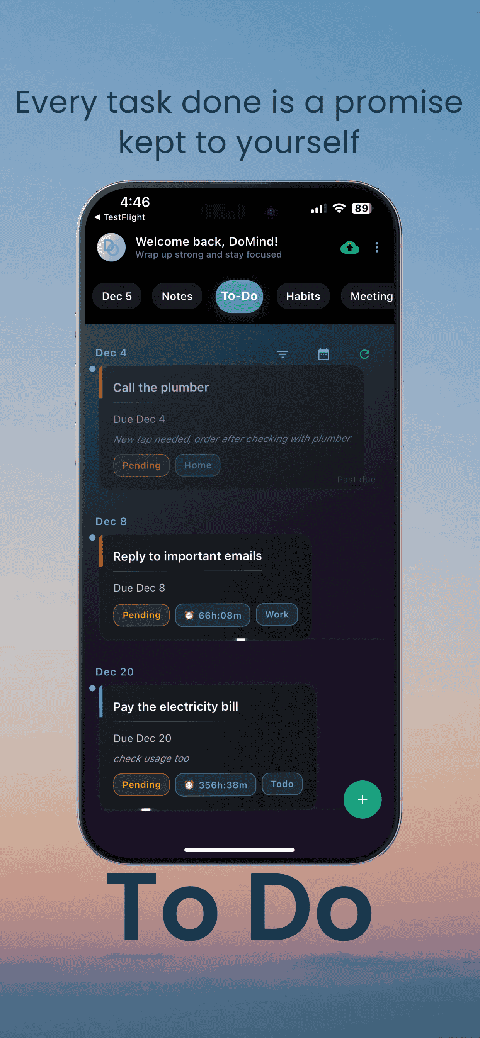
Manage tasks visually
Choose themes
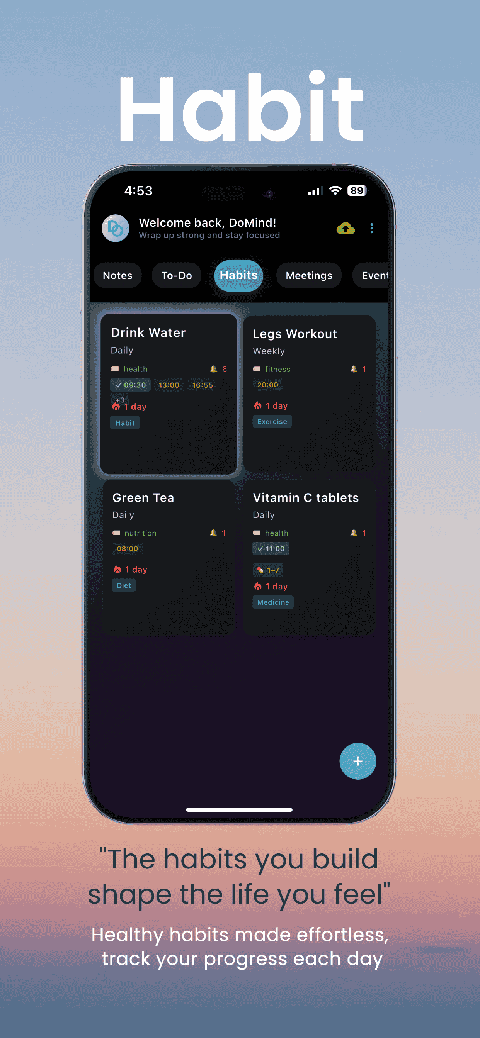
Track habits

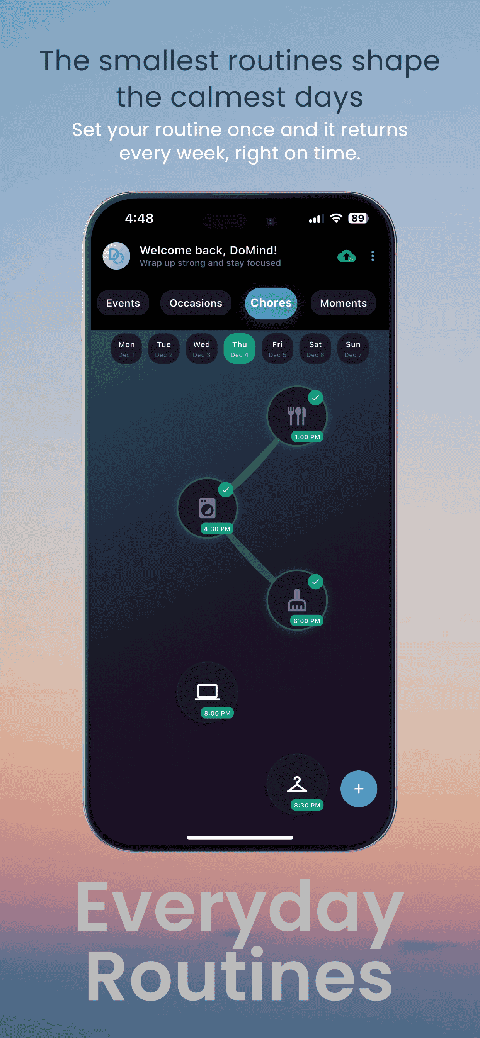
Organize routines
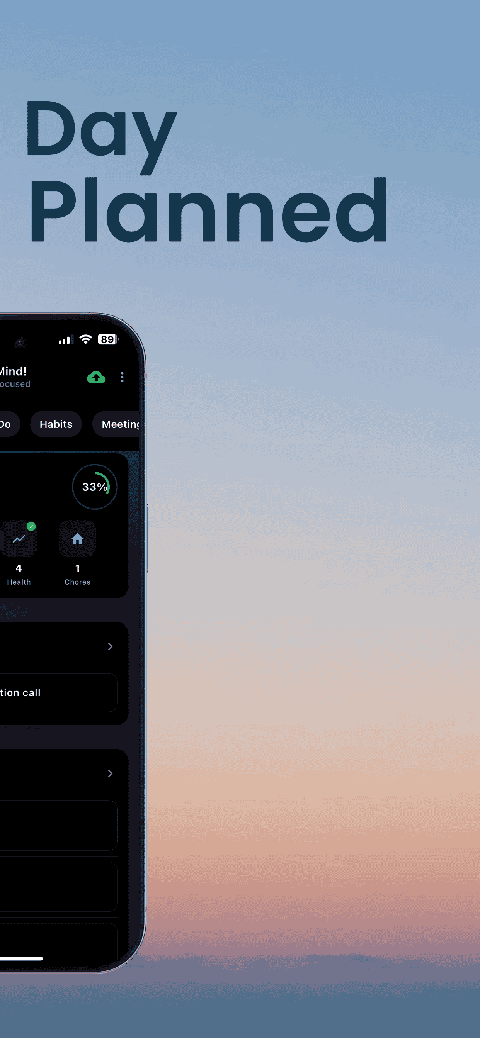
Visual experience
Calm interface
Standard planners feel like a wall of text. They trigger overwhelm.
Download DoMind free — the visual planner that respects your privacy.