Stop endlessly building complex databases and finally start doing. DoMind works flawlessly right out of the box, saving you literally hours of wasted setup time.
Notion has become one of the most popular productivity tools in the world. It combines notes, databases, project management, and collaboration features into a single flexible workspace.
For teams and advanced users, this flexibility can be powerful.
However, many individuals eventually begin searching for a Notion alternative.
The most common reason is complexity.
Notion offers nearly unlimited customization, but this flexibility can also create friction for people who simply want to plan their day.
Instead of organizing tasks, users may spend hours building templates, designing dashboards, or adjusting databases.
This is why many people look for a simple planner app that works immediately without requiring extensive setup.
Notion’s greatest strength is also one of its biggest challenges.
Because everything inside Notion can be customized, users often feel encouraged to build complex systems.
This can lead to situations where productivity tools become projects themselves.
Users may spend time:
While these systems can be powerful, they can also create a phenomenon often called productivity procrastination.
Instead of completing tasks, users spend time optimizing their productivity tool.
A simple Notion alternative removes this complexity by providing structure immediately.
For everyday planning, simplicity often works better than complexity.
A planner should reduce friction rather than introduce new decisions.
When a productivity tool is simple, users can focus on actions rather than configuration.
An easy organization app helps users quickly understand:
This clarity helps people move directly from planning to doing.
Many users open Notion with the intention of organizing their day.
However, because Notion functions as a blank workspace, the user must first build the structure.
This can create unnecessary friction for people who simply want a quick planning tool.
A quick task app removes this barrier.
Instead of designing your planner from scratch, the system already provides a clear structure.
This allows users to begin organizing tasks immediately.
DoMind offers a different approach to productivity.
Instead of providing a blank workspace that requires customization, the app focuses on simplicity and clarity.
DoMind is designed specifically for planning daily life.
Users can manage multiple aspects of their day within one visual planner:
This structure works immediately without requiring setup.
Notion organizes information through pages and databases.
While this system can be powerful for documentation, it may not be ideal for everyday task planning.
DoMind takes a more visual approach.
Instead of navigating complex databases, users can quickly see how tasks and routines fit into their day.
A visual planner helps users understand their responsibilities at a glance.
This reduces the cognitive effort required to manage daily life.
Many productivity apps focus exclusively on work tasks.
However, real life involves more than professional responsibilities.
People must also manage routines, household responsibilities, and personal goals.
DoMind allows these elements to exist together within the same planner.
This holistic approach helps users see how different aspects of life interact.
Instead of managing fragmented systems, everything appears within one clear structure.
Many responsibilities repeat regularly.
Examples include:
In highly customizable tools, users often build complex systems to manage recurring tasks.
DoMind simplifies this process.
Users can create recurring tasks that automatically reappear.
Tasks can spawn again when:
This keeps routines consistent without requiring constant configuration.
Some productivity apps rely heavily on notifications.
While reminders can be useful, excessive alerts may become distracting.
DoMind allows users to add reminders only when needed.
Alternatively, the planner can function purely as a visual guide.
This flexibility allows users to create a productivity system that matches their working style.
Many productivity tools rely heavily on internet connectivity.
If the connection becomes unstable, tasks and notes may fail to load.
DoMind follows an offline-first architecture.
This means the planner continues working even without internet access.
Your tasks remain available anywhere:
Your planning system remains reliable regardless of connectivity.
Many productivity platforms store user data on remote servers.
While this allows cloud synchronization, it also means your personal planning data is stored externally.
DoMind uses a local-first architecture.
Your tasks, notes, and schedules remain on your device.
This approach improves both privacy and performance.
Your planner loads instantly because data does not need to be retrieved from remote servers.
Every productivity tool serves different needs.
Notion is excellent for documentation, collaboration, and building custom systems.
However, individuals who want a quick and simple planning experience may benefit from exploring alternatives.
A simple Notion alternative focuses on helping users take action rather than build productivity systems.
DoMind offers a planner that works immediately, allowing users to focus on tasks, routines, and schedules without unnecessary complexity.
For many people, this balance of simplicity and visual clarity creates a productivity system that feels both practical and sustainable.
See your entire day visually in one place with DoMind's visual daily planner and task overview.
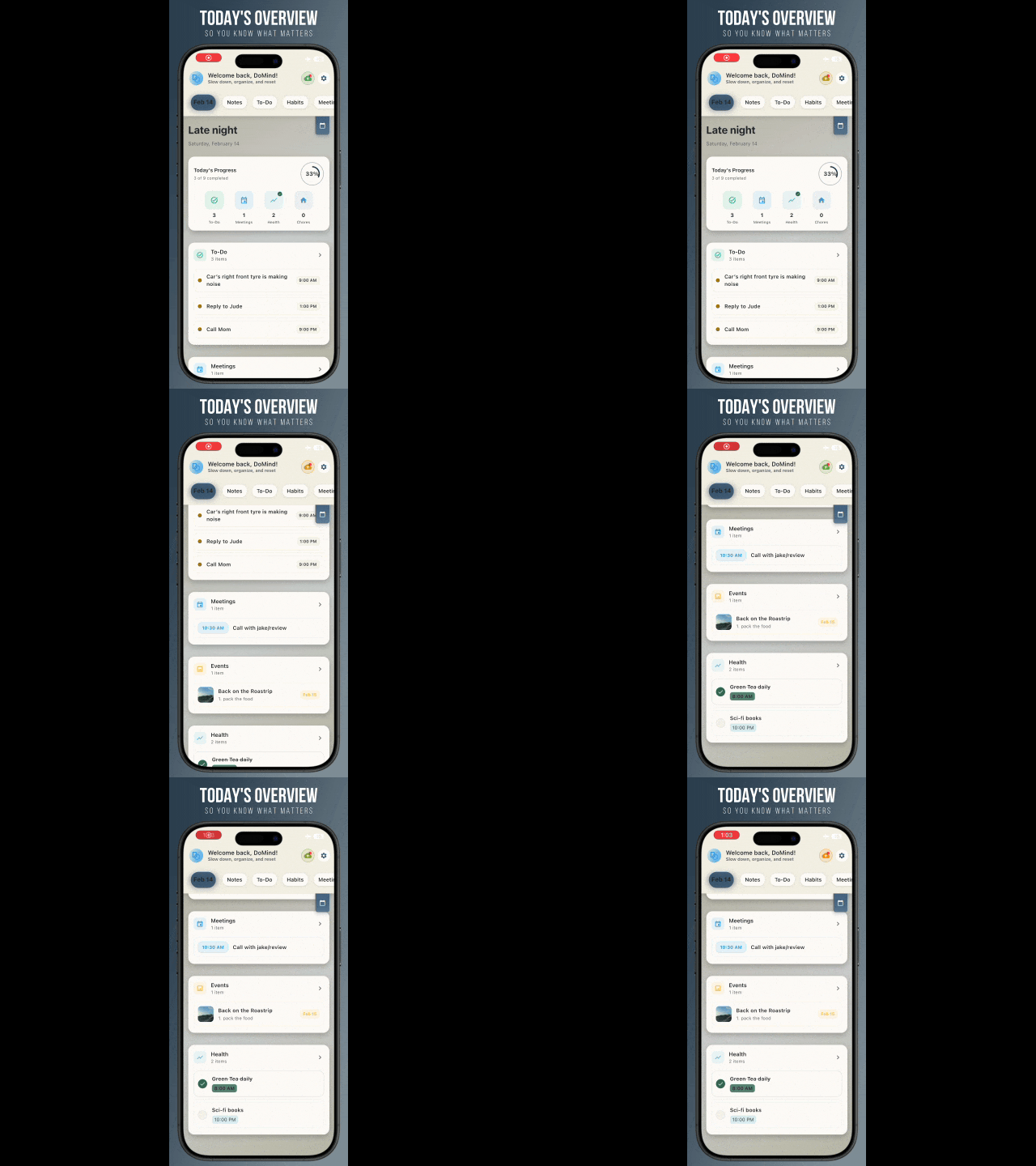
A clean visual planner designed for focus and calm.
Your life, organized
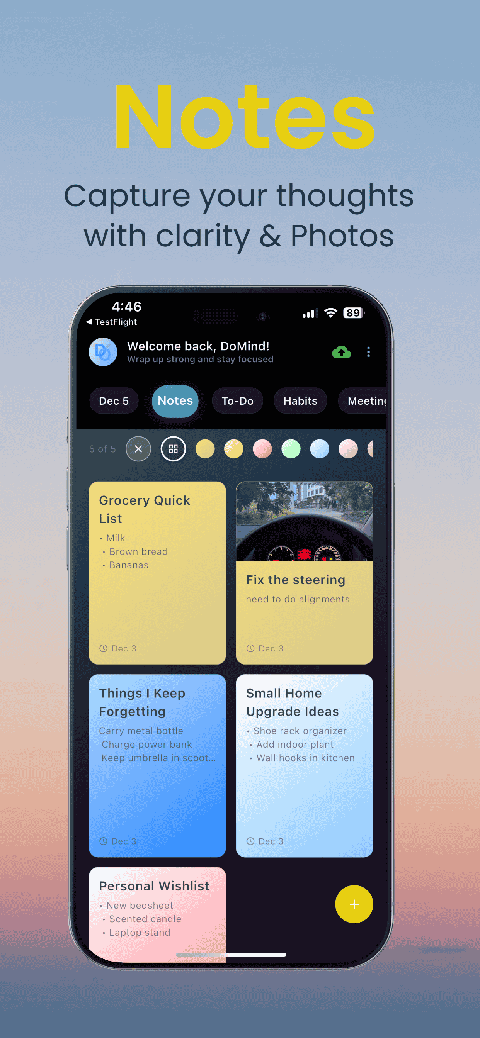
Visual notes
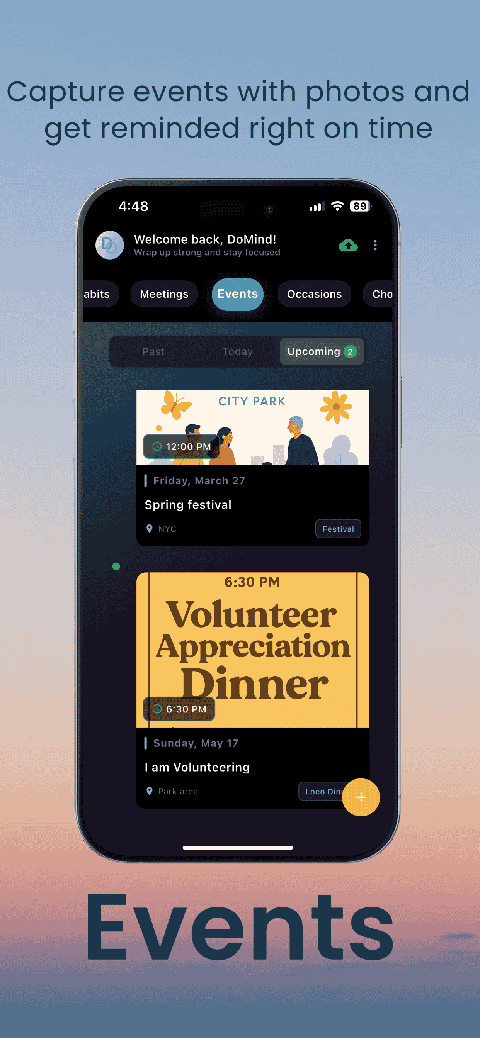
Plan events
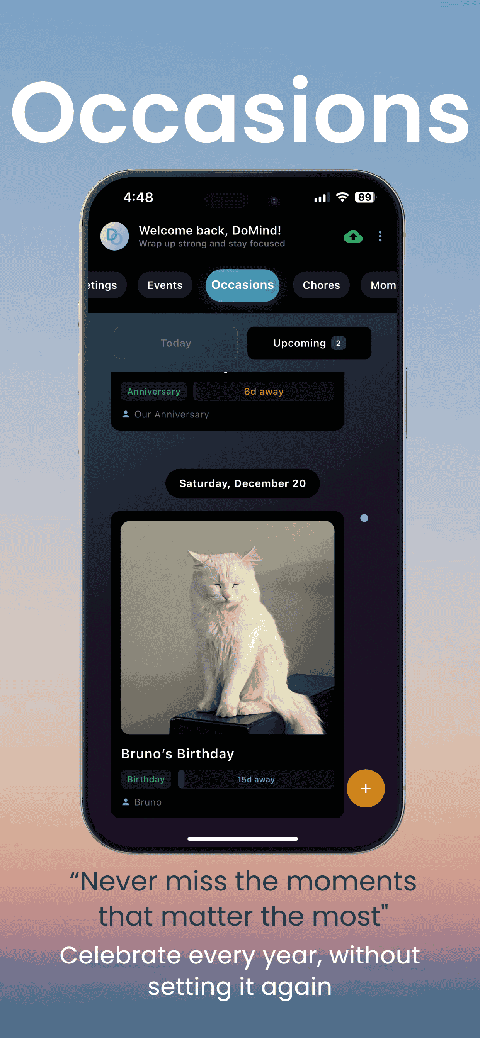
Private memories
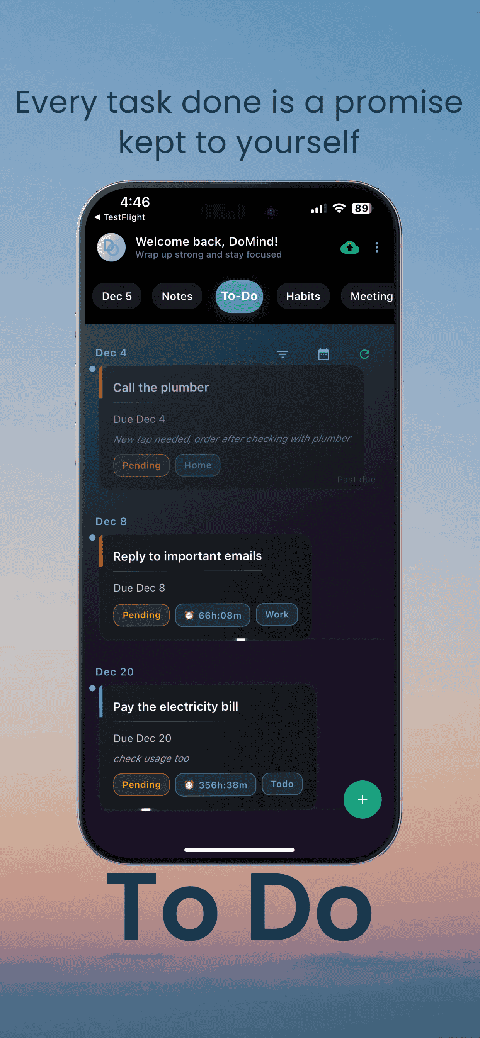
Manage tasks visually
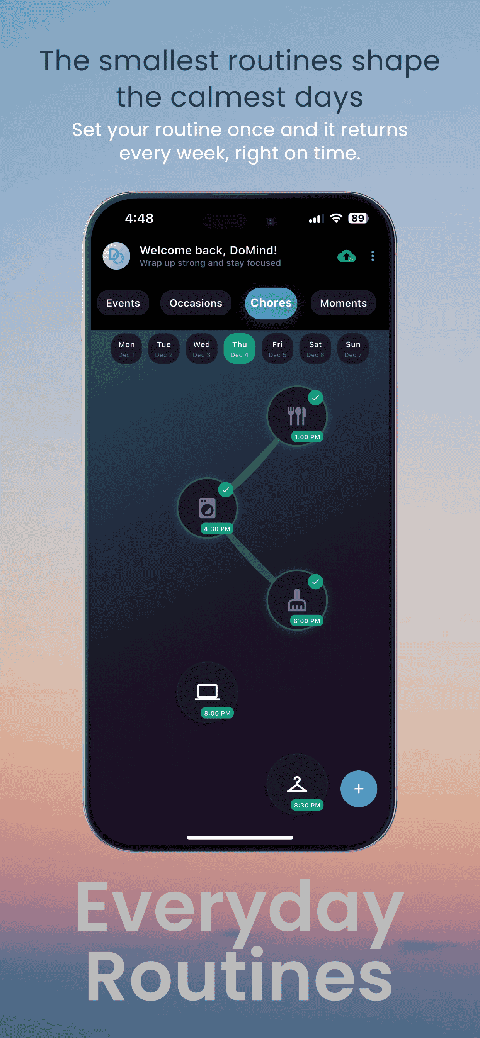
Choose themes
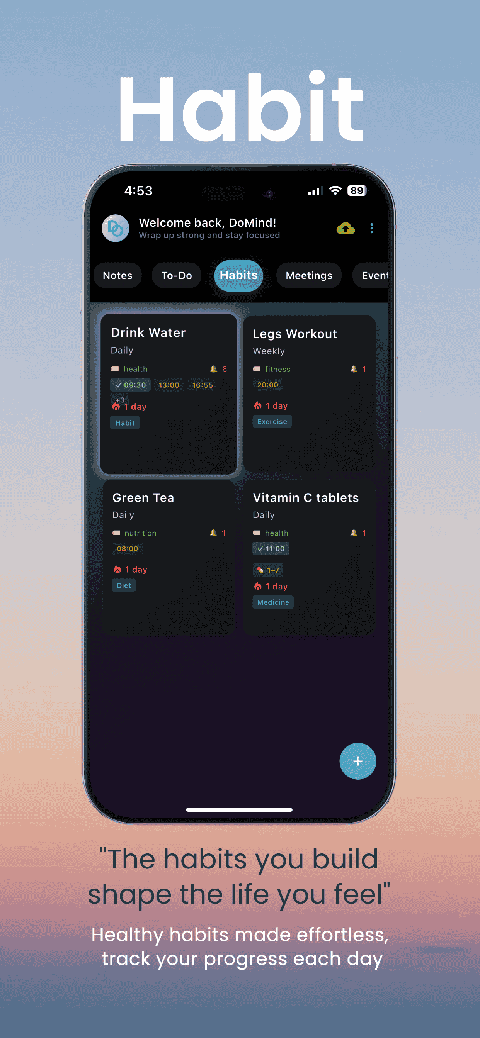
Track habits
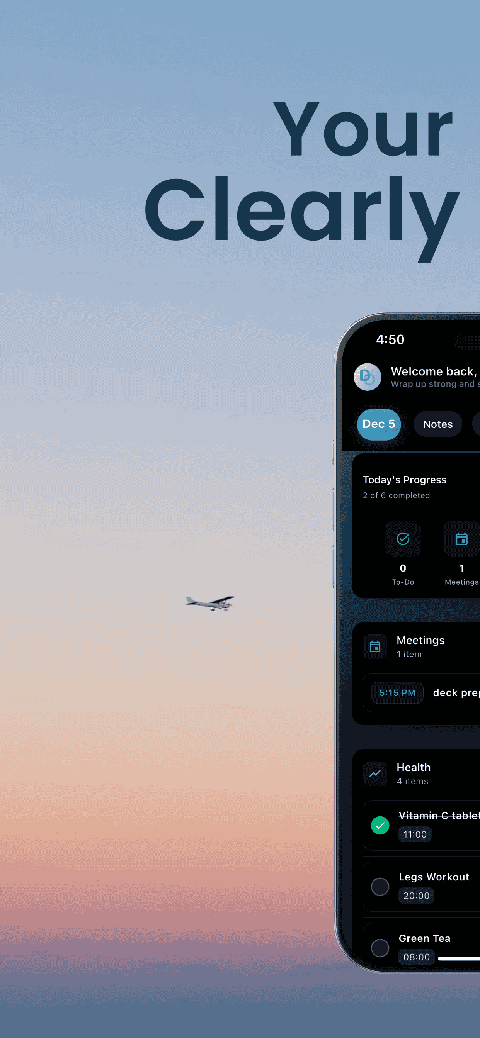
Organize routines

Visual experience
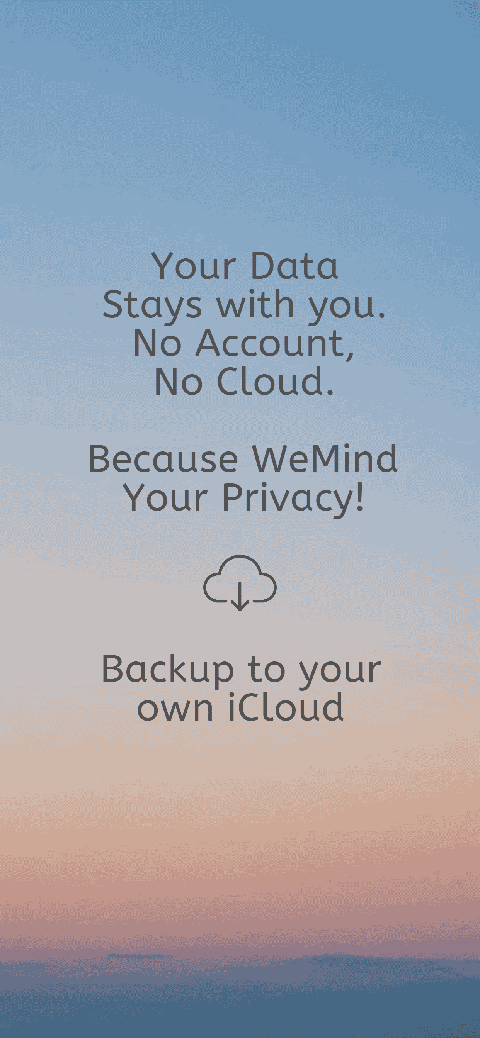
Calm interface
Standard planners feel like a wall of text. They trigger overwhelm.
Download DoMind free — the visual planner that respects your privacy.