Standard productivity apps assume everyone thinks exactly the same way. DoMind embraces neurodiversity with flexible features designed for your unique cognitive style.
Many digital tools assume that everyone thinks, processes information, and manages tasks in the same way. Traditional productivity apps often rely on rigid systems, complex workflows, and dense interfaces filled with features.
For some users these systems work well. But for many others — including people with ADHD, autism, dyslexia, or other neurodivergent traits — these interfaces can feel overwhelming.
This challenge is not about intelligence or motivation. It is about design.
Most apps are built with a single type of user in mind. When software assumes that every brain works the same way, it unintentionally excludes people who think differently.
This is why the concept of neuroinclusive design has become increasingly important in modern technology.
Neuroinclusive design is an approach to building products that support a wide range of cognitive styles. Instead of expecting users to adapt to the software, the software adapts to the diversity of human thinking.
A neuroinclusive app recognizes that people process information in different ways. Some users prefer visual information, others prefer structure, and many benefit from simplified environments with fewer distractions.
When applied to productivity tools, neuroinclusive design focuses on:
These principles create tools that work for a broader range of users rather than a narrow definition of productivity.
DoMind was created with the idea that productivity should work for different thinking styles. Instead of forcing users into rigid systems, the app provides flexible visual tools that adapt to how people naturally organize information.
The result is a neuroinclusive productivity app that supports clarity and focus.
Several design choices in DoMind help create this experience.
Many productivity apps rely heavily on long lists of text. While lists can be useful, they often become difficult to scan when tasks accumulate.
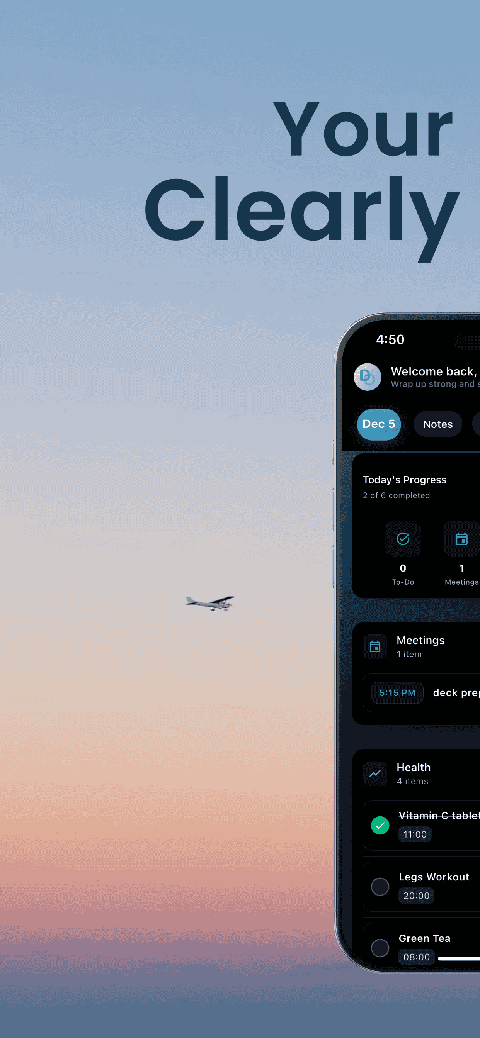
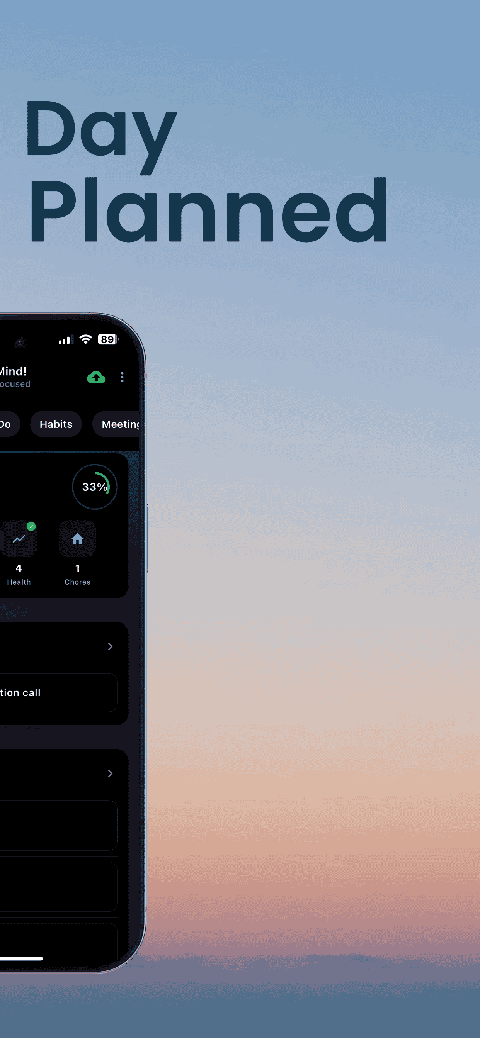
DoMind introduces visual structure to reduce this problem. Tasks, events, habits, and notes appear in a visual timeline that helps users quickly understand their day.
This approach supports visual thinkers and reduces the effort required to process information.
Cognitive load refers to the mental effort required to understand and interact with a system. Apps with complex navigation, too many features, or constant notifications can increase cognitive load significantly.
DoMind intentionally keeps the interface simple.
Instead of overwhelming users with advanced configuration options, the app focuses on a small set of essential tools that work together seamlessly.
This makes it easier to start tasks and maintain focus.
Visual design plays an important role in cognitive accessibility. Bright colors, crowded layouts, and aggressive animations can create sensory overload for some users.
DoMind uses calm visual elements and balanced spacing to create a comfortable environment. The interface avoids unnecessary visual noise so that attention stays on the task itself.
This sensory-friendly approach supports users who prefer quieter digital environments.
No single productivity system works for everyone. Some people prefer strict scheduling, while others work better with flexible planning.
DoMind supports multiple approaches to organization within one simple system.
Users can combine several tools depending on their needs:
Because these tools exist within the same visual environment, users can organize their life without switching between multiple apps.
Cognitive accessibility focuses on making technology easier to understand and use for people with different cognitive abilities.
This includes simplifying navigation, reducing distractions, and presenting information clearly.
DoMind applies these principles to everyday productivity tasks. Instead of creating barriers, the design aims to make planning intuitive and accessible.
This allows users to focus on their goals rather than struggling with complicated interfaces.
Neuroinclusive design is not only about interface design. It is also about creating systems that respect the user's autonomy.
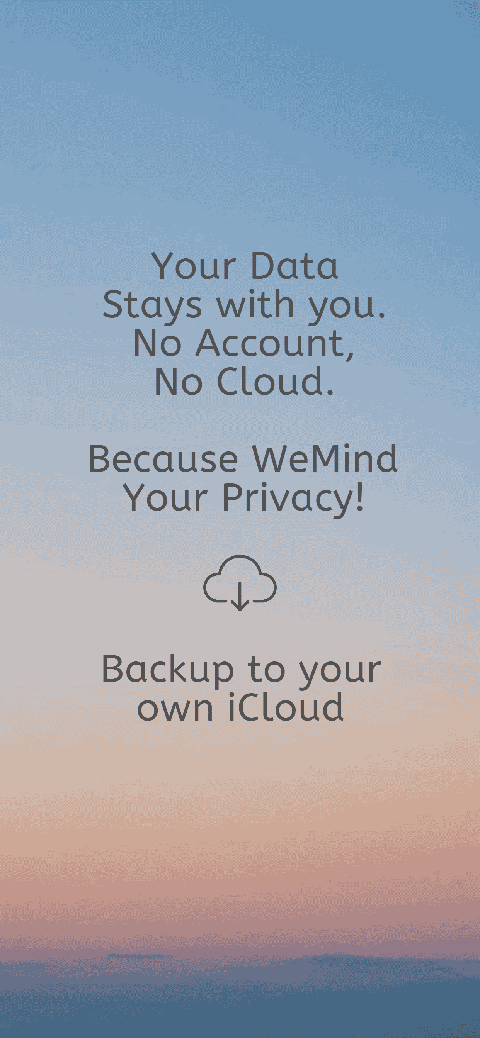
Many productivity apps require accounts and store user data on remote servers. This can introduce privacy concerns and unnecessary complexity.
DoMind takes a different approach by keeping your data on your device.
This privacy-first model ensures that:
Your productivity system stays personal and secure.
Human thinking is diverse. Some people process information visually, some rely on structured routines, and others prefer flexible creative workflows.
Technology should support this diversity rather than forcing everyone into the same pattern.
By embracing neuroinclusive design, DoMind creates a productivity environment that works for different minds instead of assuming one universal solution.
This makes planning more accessible, calmer, and easier to maintain.
Productivity tools should empower users rather than overwhelm them. When software respects different cognitive styles, it becomes easier for more people to stay organized and focused.
DoMind combines visual planning, minimalist design, and privacy-first technology to create a productivity system built for real human diversity.
If you are looking for a planner that supports different thinking styles, DoMind offers a neuroinclusive approach to organizing your life.
See your entire day visually in one place with DoMind's visual daily planner and task overview.
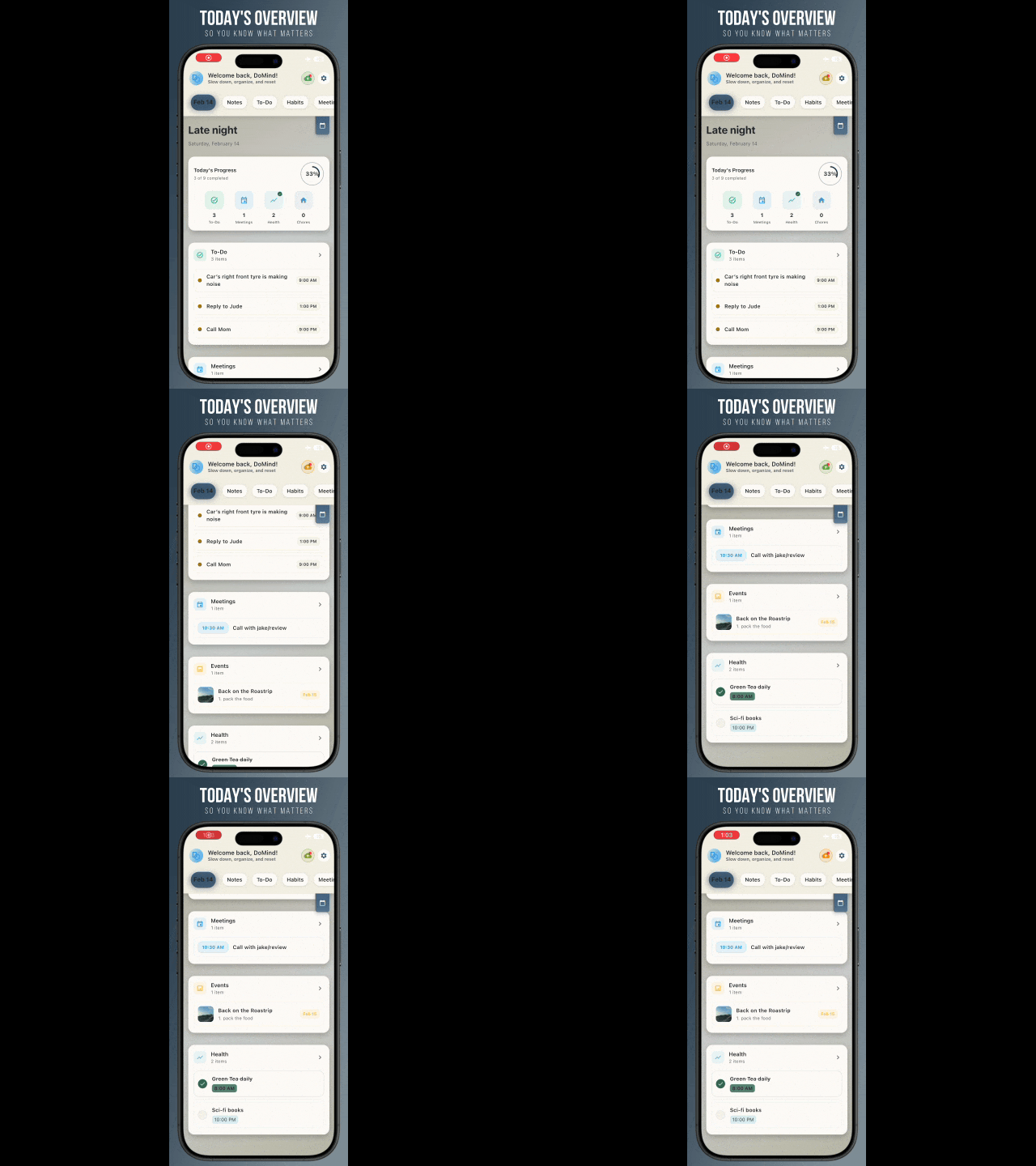
A clean visual planner designed for focus and calm.

Your life, organized
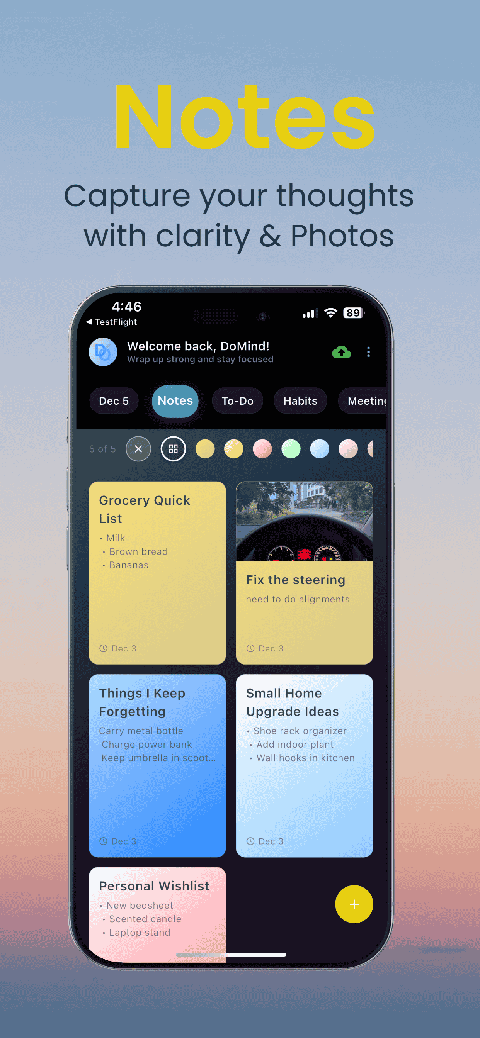
Visual notes
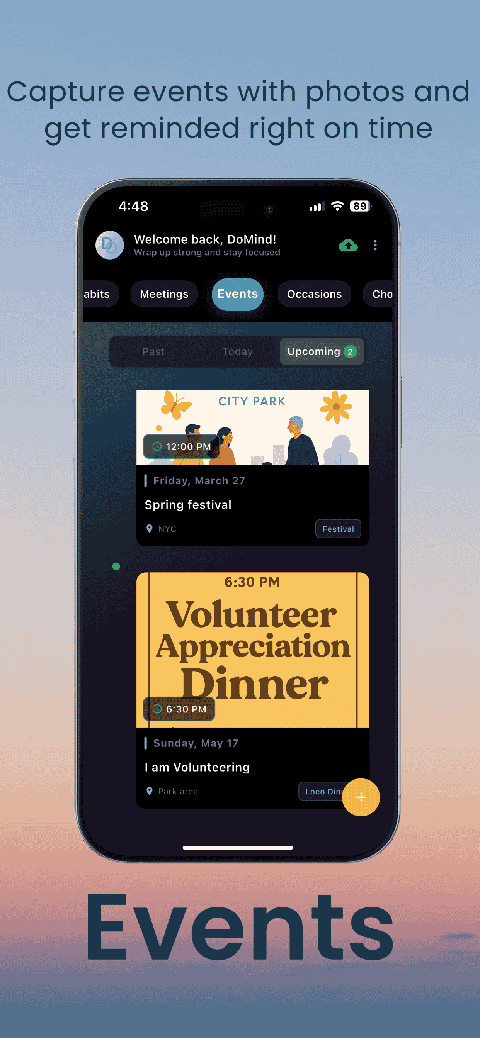
Plan events
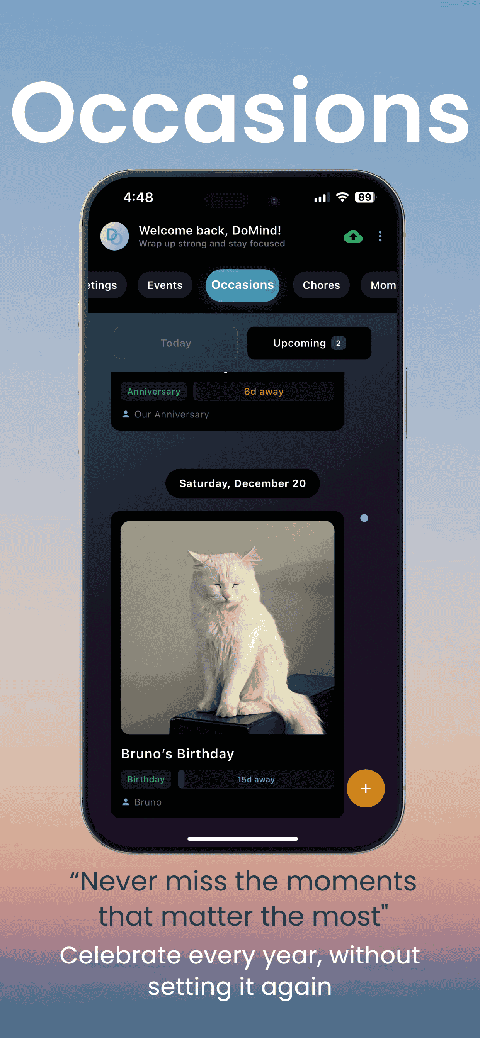
Private memories
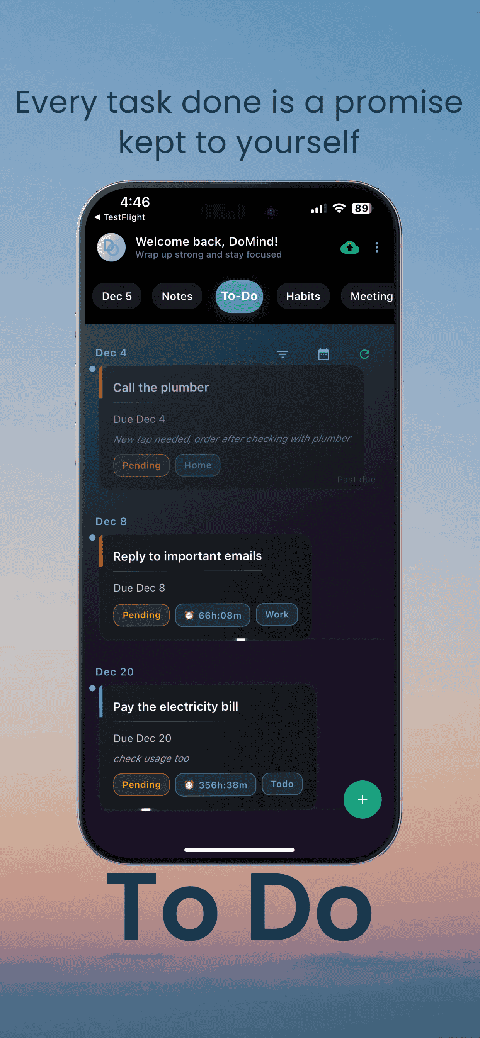
Manage tasks visually
Choose themes
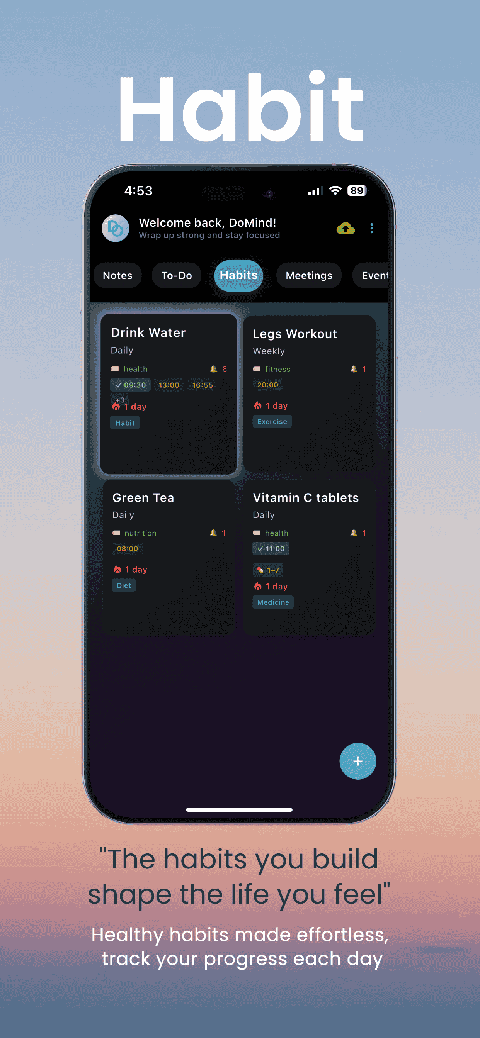
Track habits
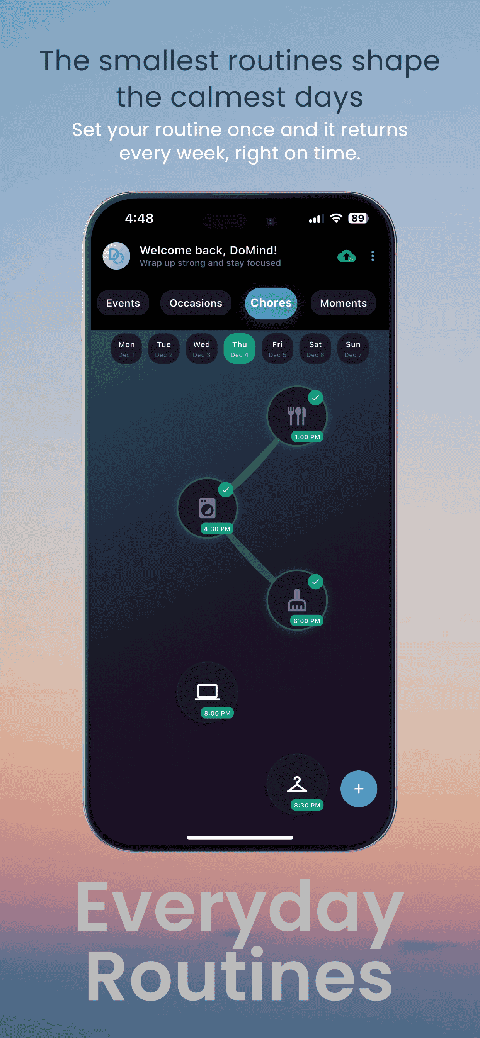
Organize routines
Visual experience
Calm interface
Standard planners feel like a wall of text. They trigger overwhelm.
Download DoMind free — the visual planner that respects your privacy.