Cloud sync is convenient, but local storage is secure. DoMind keeps your personal data physically with you at all times.
Many modern productivity tools rely heavily on cloud services. Tasks, notes, and schedules are stored on remote servers and synchronized across devices through the internet.
While cloud systems can be convenient, they also introduce several limitations.
Your data becomes dependent on external servers. Internet connectivity becomes required for many features. And most importantly, your personal information may be stored in systems you do not control.
A local storage task manager takes a different approach.
Instead of sending your information to remote servers, the app stores your tasks directly on your device. Your planner lives physically on your phone or tablet rather than in a distant data center.
This design provides stronger privacy, faster performance, and reliable offline access.
A local storage task manager is a productivity app that stores its database directly on your device.
This means your information is saved in a local database rather than being uploaded to cloud infrastructure.
In a local-first system, your tasks, notes, habits, and routines remain stored on-device.
Examples of information stored locally include:
This architecture ensures that your data stays close to you instead of being processed remotely.
Using a planner with on-device data storage provides several advantages that cloud-dependent systems cannot easily match.
First, local storage improves privacy.
Your personal information does not need to travel across the internet or reside on external servers.
Second, performance becomes significantly faster.
Because the data is stored locally, the app can access information instantly without waiting for network responses.
Third, reliability improves dramatically.
A local database productivity app continues to function even when internet connectivity disappears.
One of the biggest benefits of local storage is full offline capability.
Many cloud-based productivity tools lose functionality when internet access is unavailable.
An offline task manager app solves this problem.
Because the database lives on your device, the planner works anywhere.
You can continue managing tasks even when you are:
Your productivity system stays available wherever you go.
Cloud-based apps often require network communication before displaying information.
This can introduce delays when opening the app, loading tasks, or updating schedules.
A local database task manager eliminates these delays.
Because the information is stored directly on the device, every action becomes faster:
The result is a smoother and more responsive planning experience.
DoMind was designed as a local-first productivity app.
Your tasks, notes, events, habits, and routines are stored directly on your device.
This architecture ensures that your planner remains private and fast.
Instead of sending your information to external servers, DoMind keeps everything stored locally in a secure on-device database.
This allows the app to function independently without requiring constant internet access.
Many productivity apps collect and process user data in cloud systems.
This may include analytics, behavioral tracking, or other forms of data processing.
A secure task list app with local storage reduces these risks.
Because your data stays on-device, it is not automatically shared with external services.
This creates a more private and independent productivity environment.
Your tasks remain your business.
Local storage does not mean sacrificing data safety.
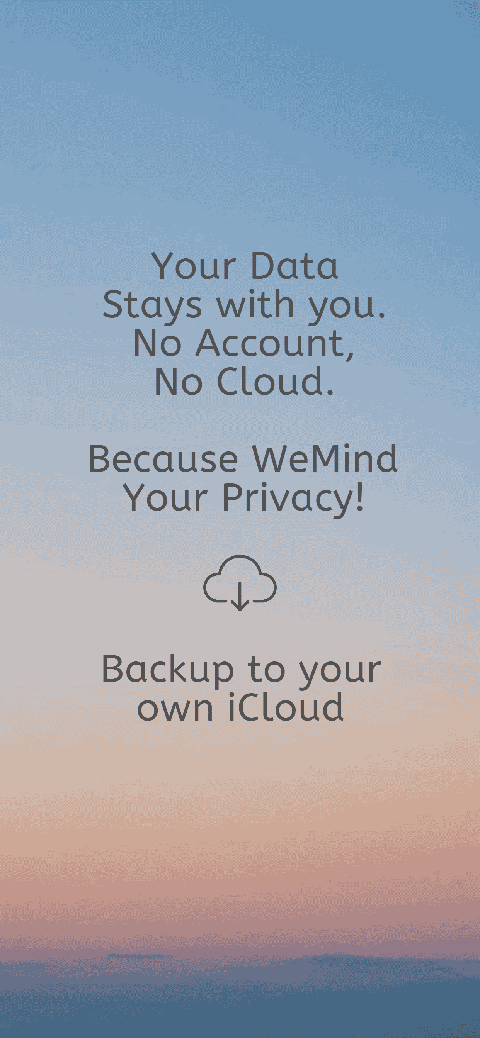
DoMind allows users to create backups of their planner whenever they want.
Instead of forcing cloud storage, the app lets you store backups in services you already trust.
You can back up your planner to:
This approach keeps your data under your control while still providing reliable backup protection.
If you install DoMind on a new phone or tablet, transferring your data is simple.
With a single tap, you can restore your planner from your personal backup.
This process restores your entire planning system, including:
This makes switching devices easy without sacrificing privacy.
Cloud-based productivity tools depend on external infrastructure.
When servers fail or internet connections disappear, those tools may stop working.
A local-first task manager avoids these dependencies.
Because your planner lives on your device, it remains available regardless of network conditions.
This reliability makes local-first apps particularly useful for travel, remote work, and environments with unstable connectivity.
Productivity tools should help organize your life without compromising privacy or reliability.
A local storage task manager provides a powerful alternative to cloud-dependent systems.
By storing data directly on your device, local-first apps offer faster performance, stronger privacy, and dependable offline access.
DoMind combines these advantages with a visual planning environment designed to make tasks, routines, notes, and events easy to manage.
Your planner stays fast, private, and always available.
With DoMind, your tasks remain exactly where they belong — securely on your device.
See your entire day visually in one place with DoMind's visual daily planner and task overview.
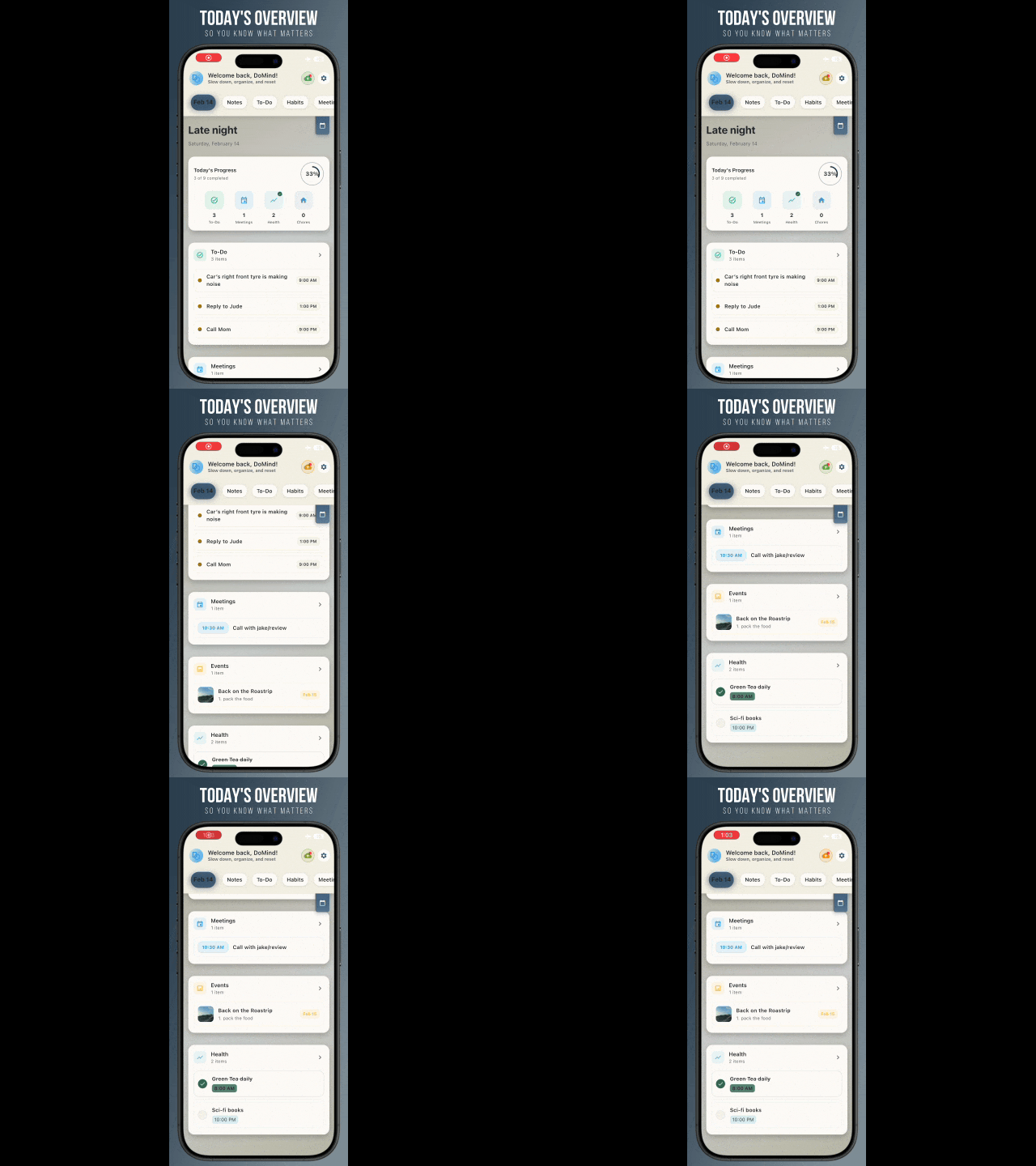
A clean visual planner designed for focus and calm.

Your life, organized
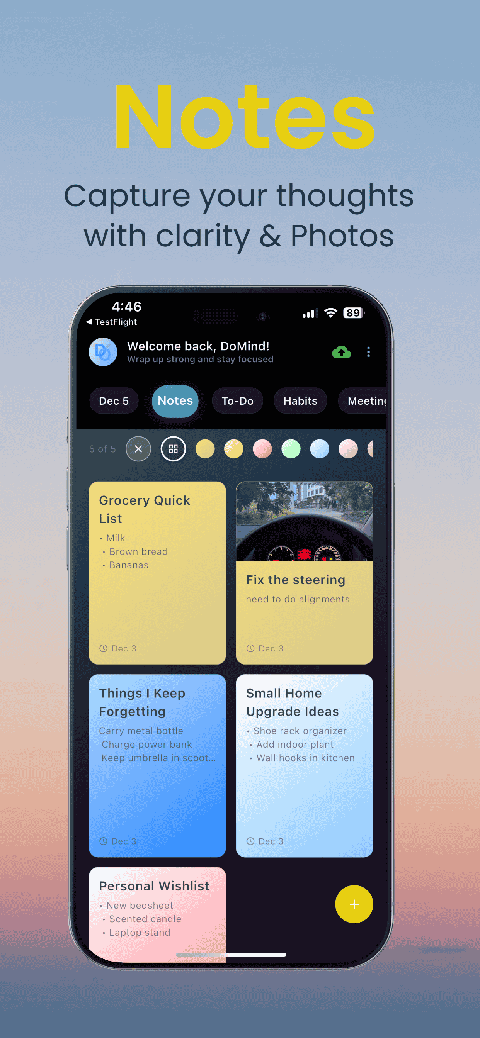
Visual notes
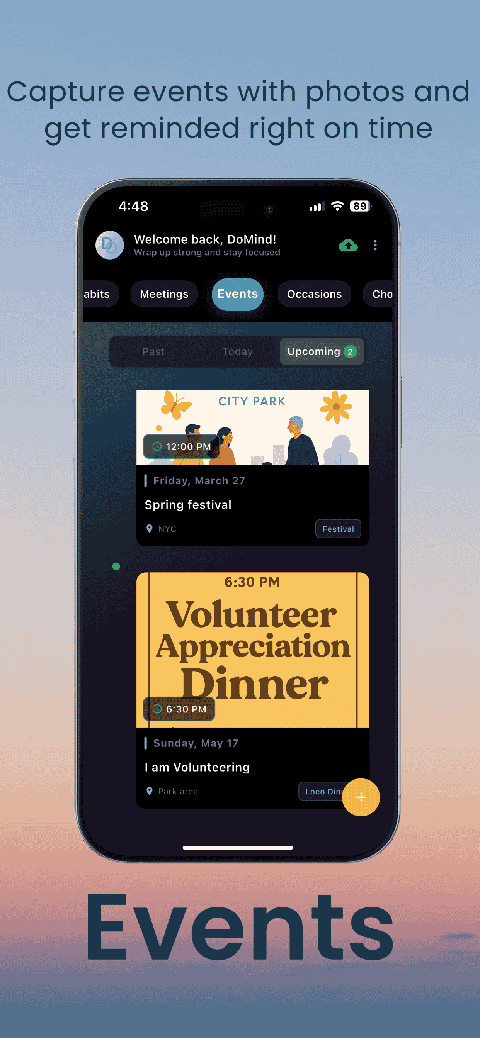
Plan events
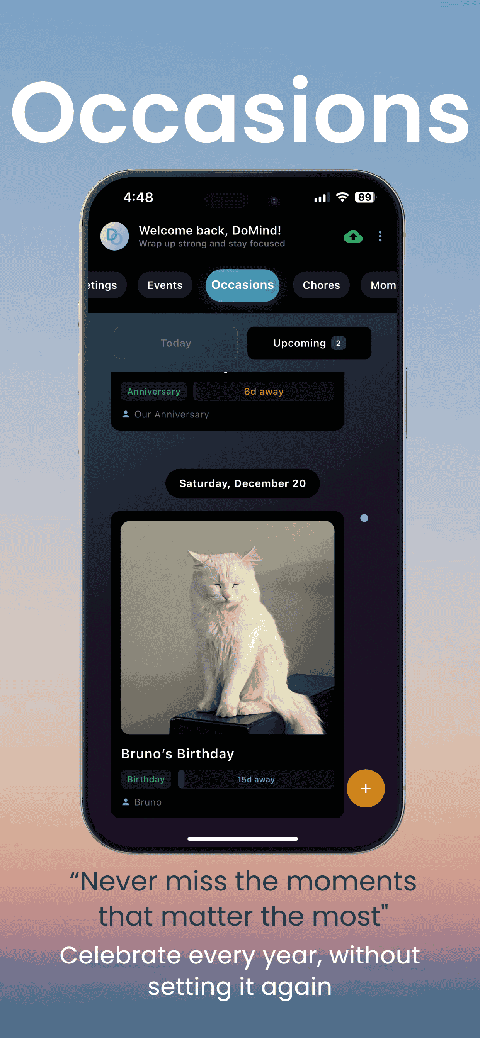
Private memories
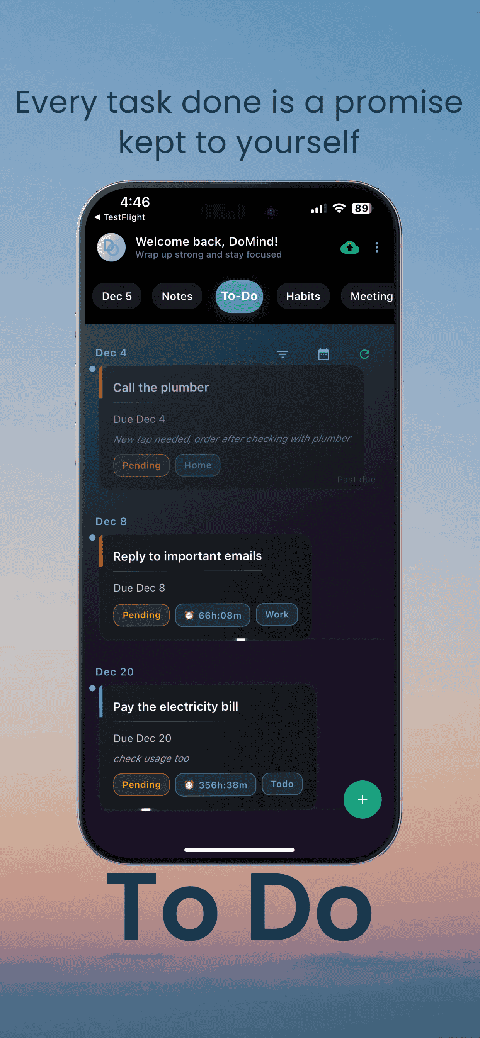
Manage tasks visually
Choose themes
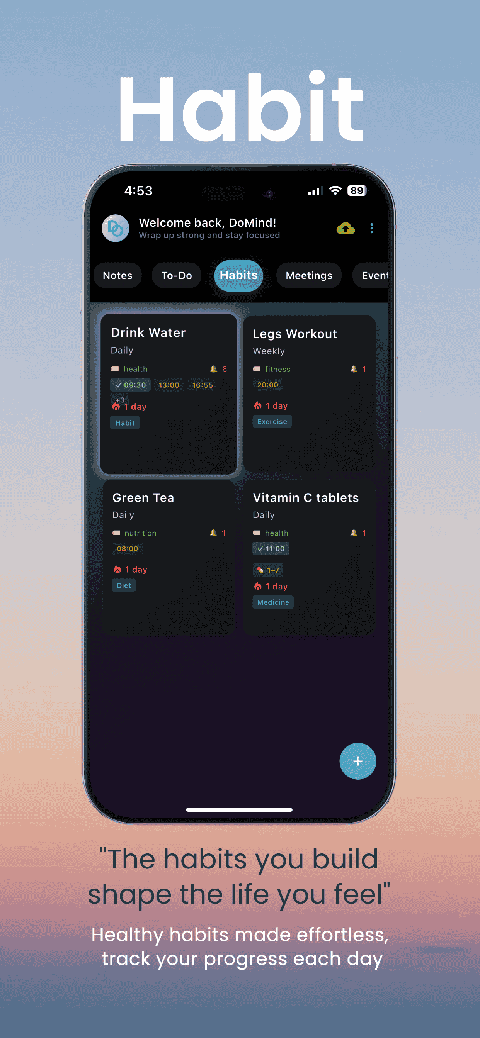
Track habits
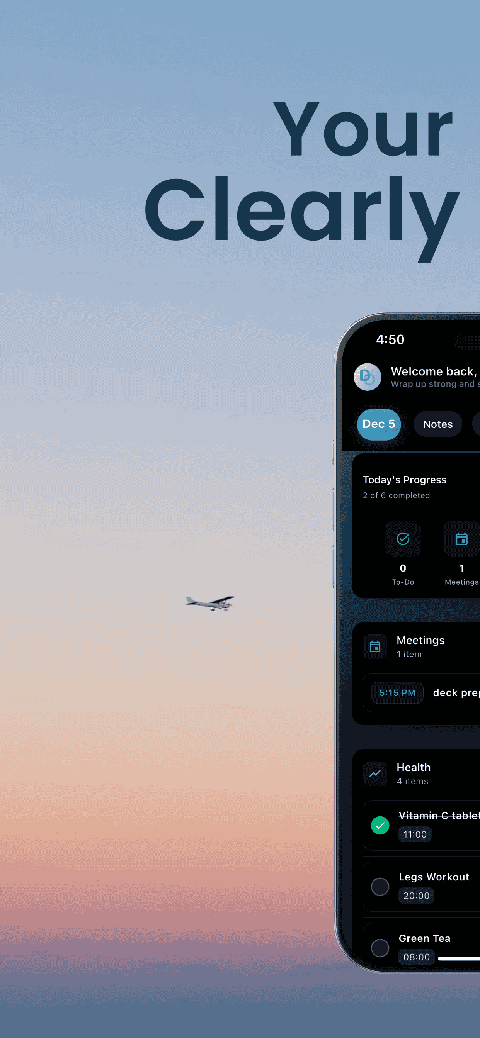
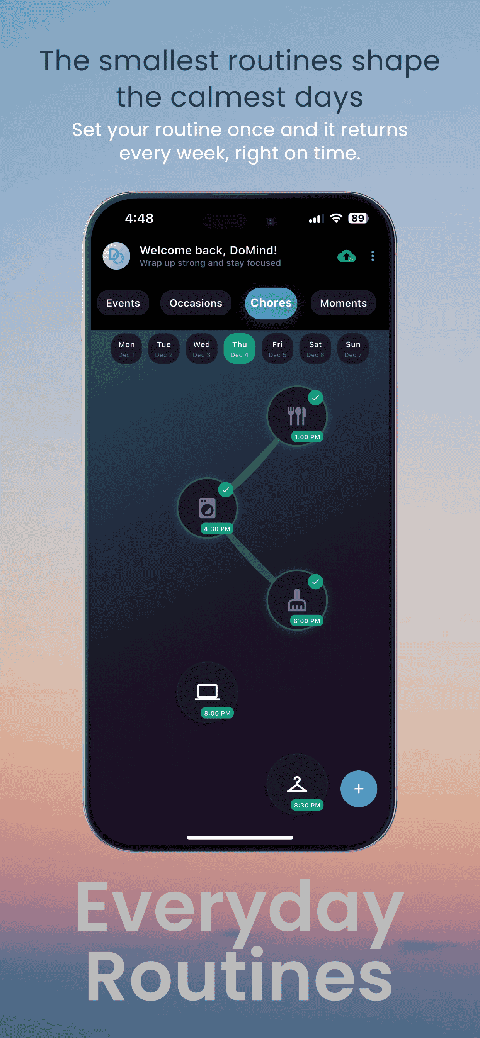
Organize routines
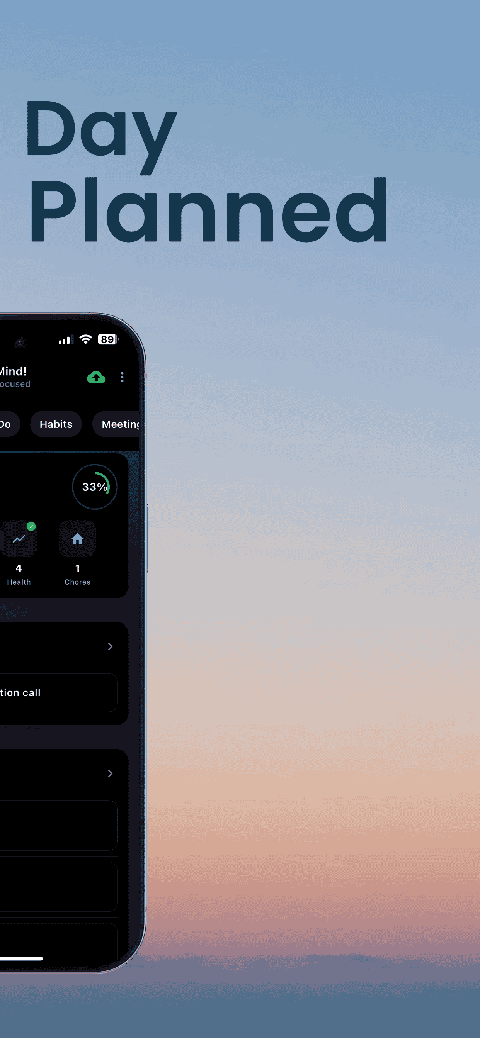
Visual experience
Calm interface
Standard planners feel like a wall of text. They trigger overwhelm.
Download DoMind free — the visual planner that respects your privacy.