Navigating massive blocks of text shouldn't be the hardest part of planning. Rely heavily on visual cues and intuitive spatial layouts designed to minimize your reading load.
Many productivity tools rely heavily on text.
Long to-do lists, dense notes, and text-heavy interfaces are common in most digital planners. While these formats may work for many people, they can create barriers for individuals with dyslexia.
Dyslexia affects how the brain processes written language. Reading large amounts of text can take more time and effort, especially when information is presented in crowded layouts.
For people who experience dyslexia, productivity tools that rely primarily on reading may feel exhausting rather than helpful.
This is why many users search for a dyslexia friendly planner that reduces reading load and emphasizes visual understanding.
When planning systems are designed with accessibility in mind, organization becomes easier for everyone.
Dyslexia is a learning difference that primarily affects reading and language processing.
People with dyslexia often process visual information more comfortably than large blocks of written text.
Instead of relying heavily on reading, many dyslexic thinkers prefer systems that use:
These design elements reduce cognitive friction and make information easier to interpret quickly.
An accessible planner app incorporates these principles to create a more inclusive experience.
Many productivity apps are designed around long lists of tasks and notes.
Users may need to scan through dozens of written entries just to understand their daily responsibilities.
For individuals with dyslexia, this process can slow down planning.
Text-heavy interfaces may introduce challenges such as:
A dyslexia friendly productivity app addresses these issues by reducing reliance on text and emphasizing visual clarity.
Visual planning systems help users understand information without relying entirely on written text.
Instead of reading through lists, users can interpret tasks and schedules through visual structures.
A visual planner for dyslexia may include elements such as:
These visual signals help users quickly understand what needs attention.
When planning becomes visual, organization becomes more intuitive.
DoMind was designed with accessibility and cognitive diversity in mind.
Instead of overwhelming users with text, the app emphasizes visual structure.
Tasks, routines, and responsibilities appear within a clear visual environment that reduces the need for constant reading.
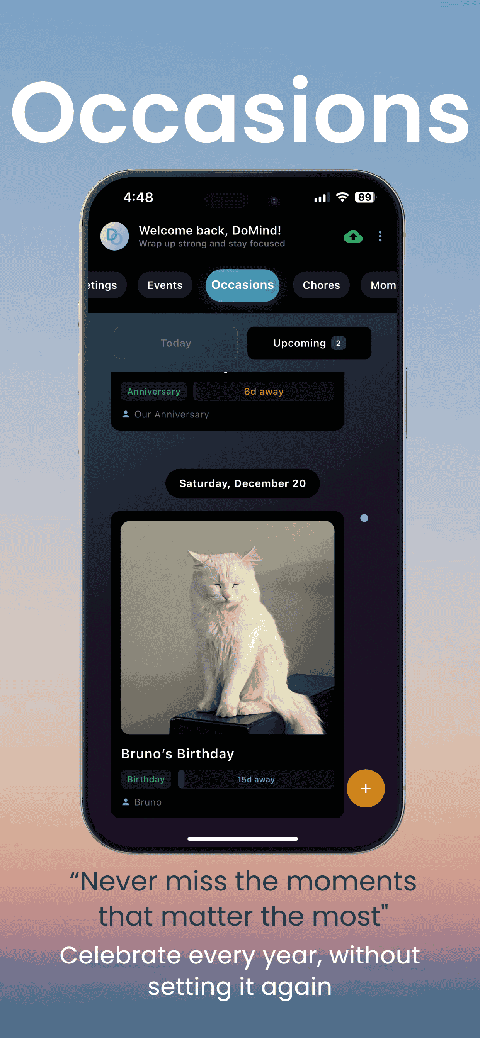
Inside DoMind, users can organize their responsibilities using several simple tools:
Because these elements appear within a structured visual layout, users can quickly understand their day at a glance.
Visual cues play an important role in accessible design.
Icons and color coding can help users recognize information instantly without reading long descriptions.
For example, icons can represent:
Color coding can also help categorize tasks or highlight priorities.
This combination of icons and colors allows users to navigate their planner quickly and confidently.
Complex productivity systems often require extensive reading and configuration.
A dyslexia-friendly planner should prioritize simplicity.
DoMind allows users to create tasks quickly without navigating complicated menus.
This makes it easier to record responsibilities as they appear.
Instead of struggling with the planning system itself, users can focus on completing their tasks.
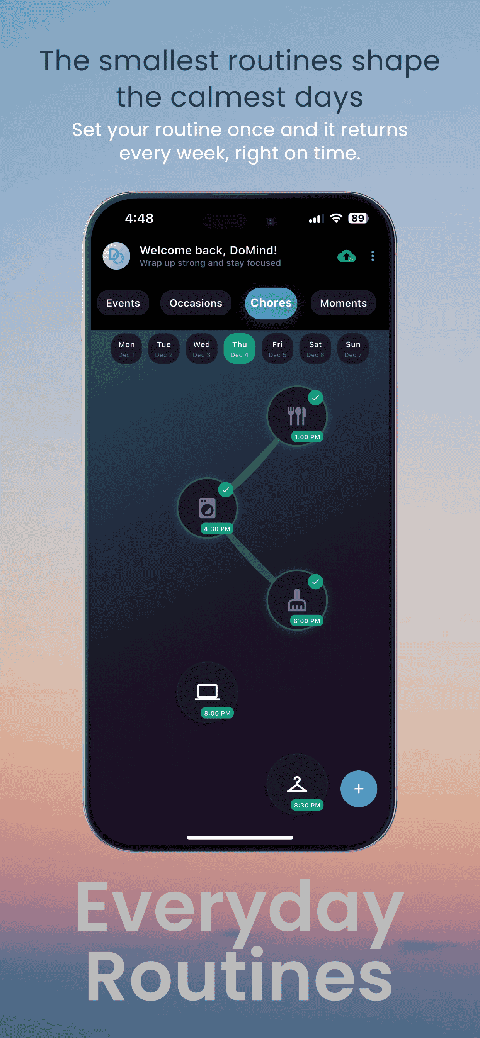
Many daily responsibilities repeat regularly.
Examples include:
Manually recreating these tasks each time can be frustrating.
DoMind allows users to create recurring tasks that automatically reappear.
Tasks can spawn again when:
This reduces the amount of reading and writing required to maintain routines.
Some users benefit from reminders that alert them before important tasks or events.
Others prefer a quieter system without notifications.
DoMind allows users to choose.
Reminders can be added when needed, or the planner can function purely as a visual guide.
This flexibility allows each person to create a system that feels comfortable.
Accessibility also includes reliability.
Planning tools should work consistently regardless of location.
Because DoMind follows an offline-first architecture, the planner continues working even without internet access.
This means users can manage tasks anywhere:
Your planning system remains accessible wherever life takes you.
Accessibility is not only about compliance. It is about creating tools that respect different ways of thinking.
A dyslexia friendly planner recognizes that not everyone processes information the same way.
By reducing text overload and emphasizing visual structure, planning systems become easier for many people to use.
DoMind provides a visual environment where tasks, routines, and responsibilities can be understood quickly without relying heavily on reading.
When productivity tools respect cognitive diversity, organization becomes more inclusive.
And when planning becomes easier, people can focus their energy on what truly matters — getting things done.
See your entire day visually in one place with DoMind's visual daily planner and task overview.
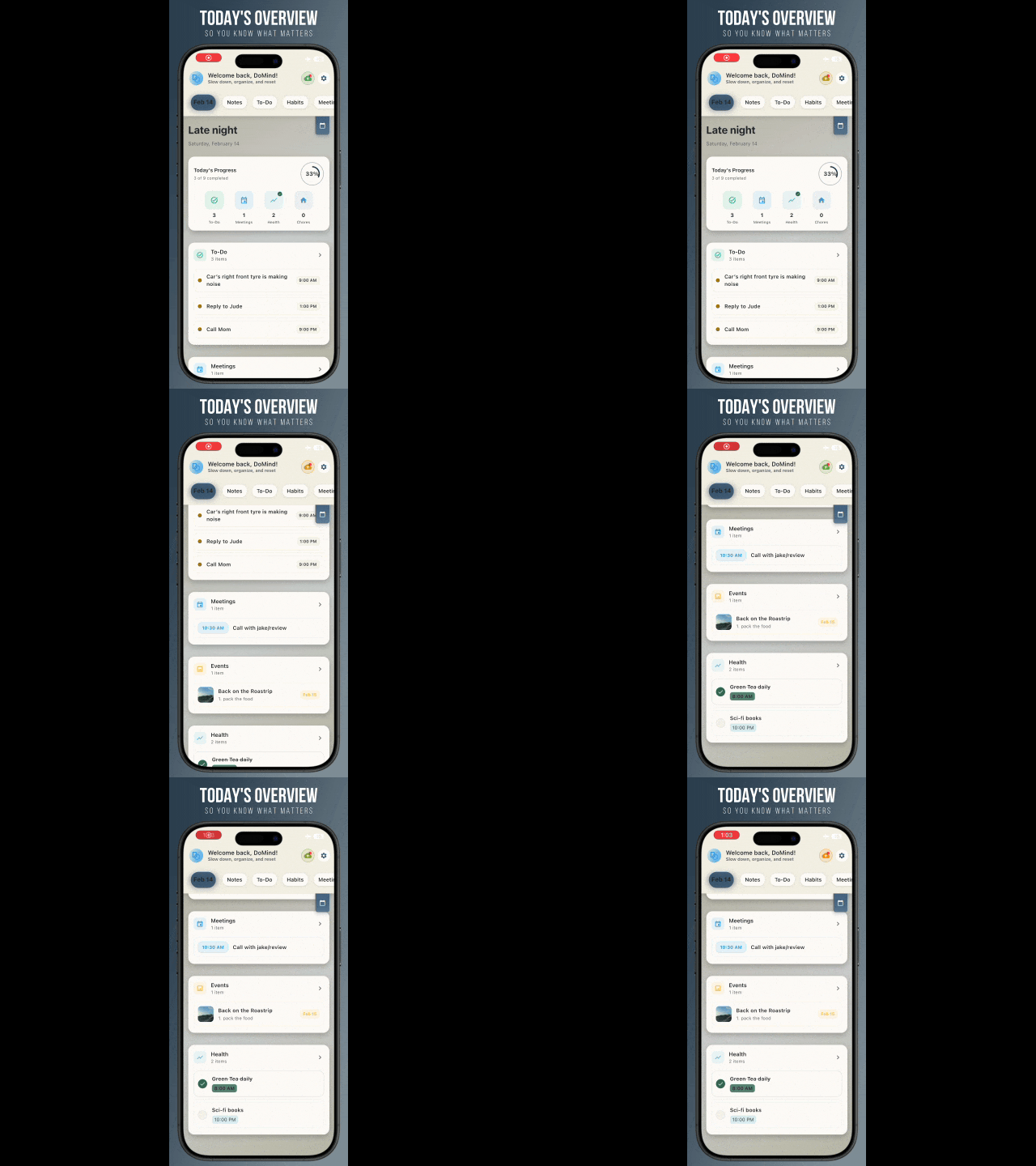
A clean visual planner designed for focus and calm.
Your life, organized
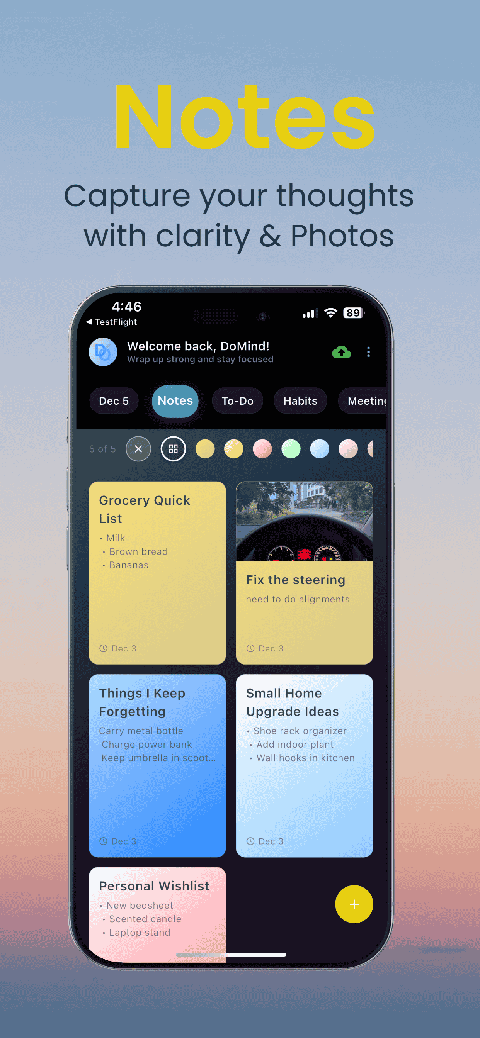
Visual notes
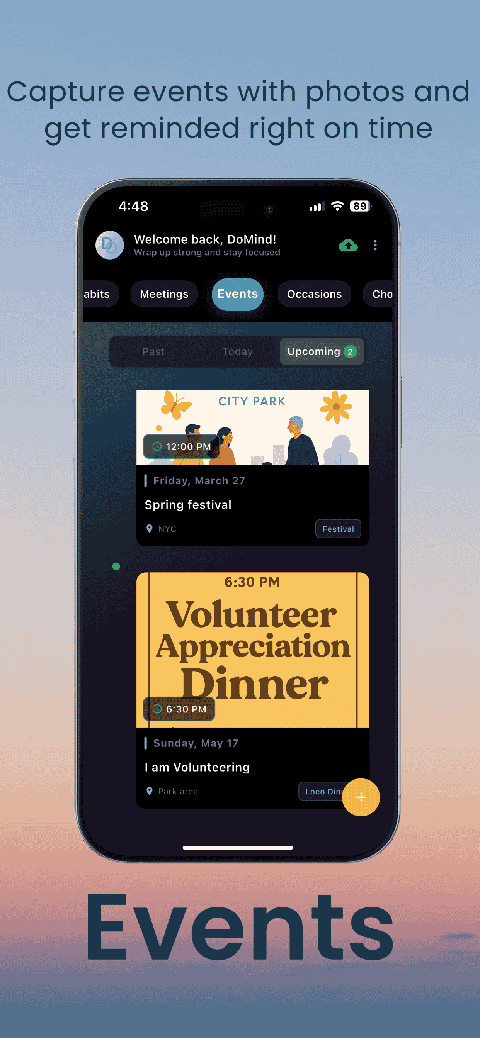
Plan events
Private memories
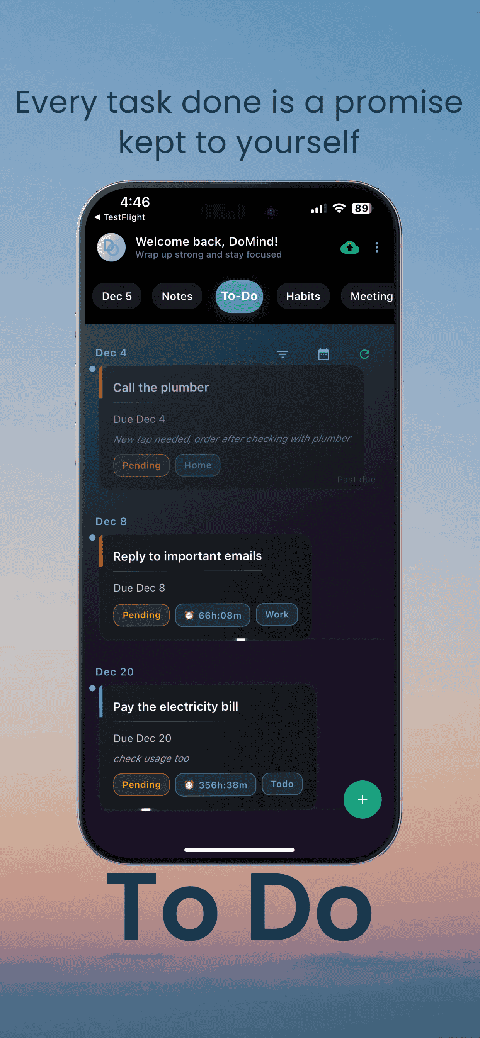
Manage tasks visually
Choose themes
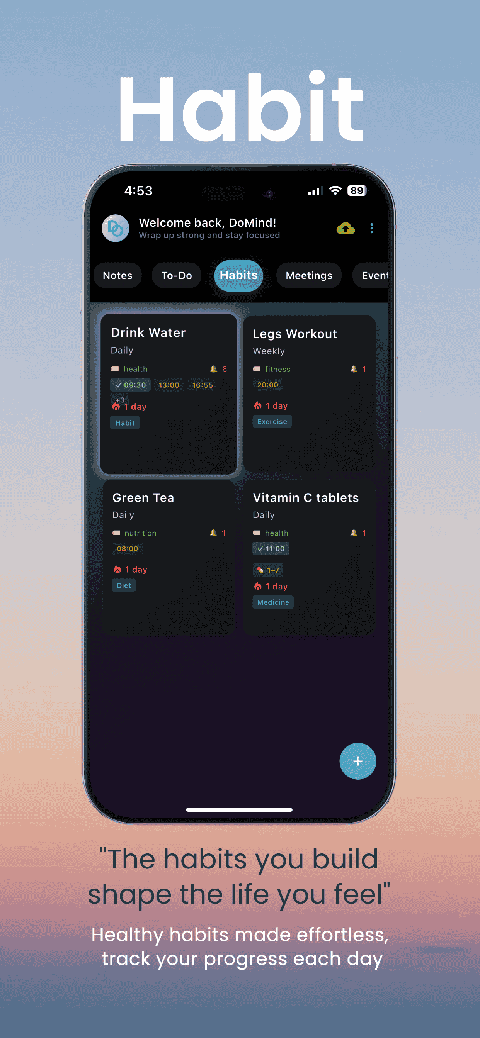
Track habits
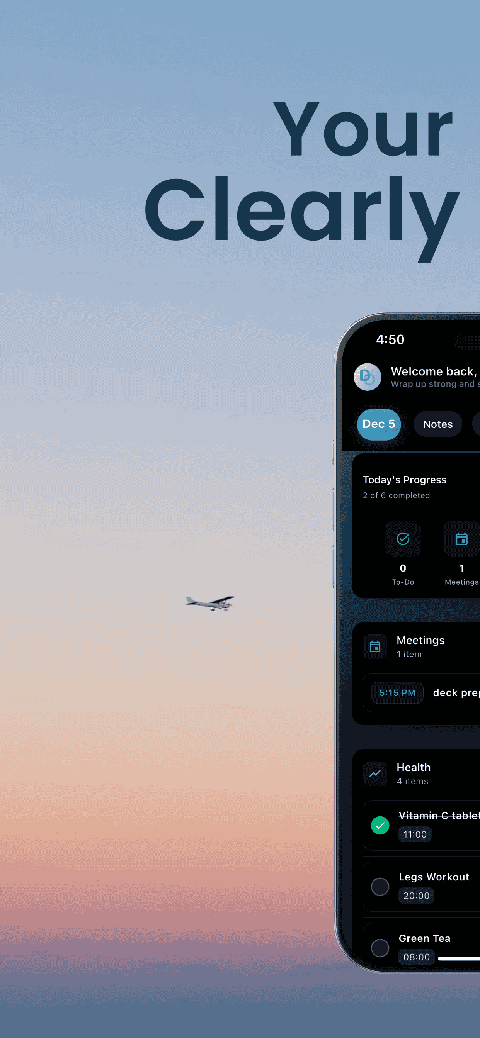
Organize routines
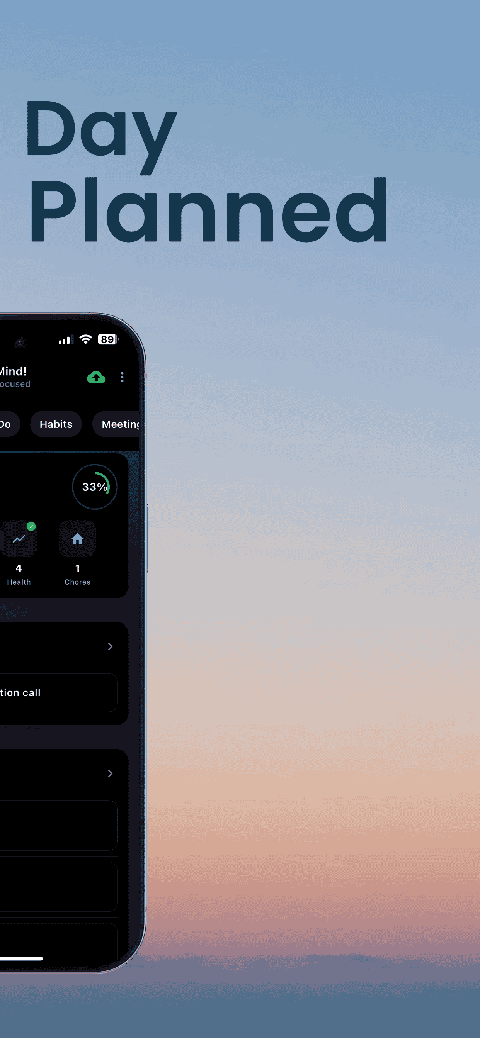
Visual experience
Calm interface
Standard planners feel like a wall of text. They trigger overwhelm.
Download DoMind free — the visual planner that respects your privacy.