You care deeply about the finest details. So do we. Use a sleek task manager that fiercely respects design principles and offers a stunning, distraction-free UI.
Designers and creative professionals often approach work differently from traditional task managers.
Many productivity apps are built around rigid lists, dense dashboards, and utilitarian interfaces. While these tools may be functional, they rarely reflect the needs or expectations of creative professionals.
Designers spend their days thinking visually, refining details, and crafting beautiful experiences.
When their productivity tools feel cluttered or poorly designed, it can create friction.
This is why many creatives look for a task manager for designers that combines functionality with thoughtful aesthetics.
A productivity tool should not only organize tasks — it should also respect the visual sensibilities of the people who use it.
Creative work rarely follows a perfectly linear process.
Designers move between exploration, iteration, feedback, and refinement. Ideas evolve, projects change direction, and inspiration may appear unexpectedly.
A typical creative workflow might include:
Because this process is dynamic, designers often benefit from flexible productivity systems that allow tasks, ideas, and notes to coexist in one place.
A rigid task list rarely captures the full complexity of creative work.
For designers, visual quality matters.
Tools that feel cluttered or poorly structured can disrupt focus.
An aesthetic planner app provides a calmer environment where visual clarity supports concentration.
Good design in productivity software often includes:
When a tool feels visually harmonious, it becomes easier to interact with consistently.
For creative professionals, design quality is not just decoration — it directly affects usability.
Creative professionals often manage multiple projects simultaneously.
A designer might be responsible for:
Without a clear planning system, these responsibilities can become difficult to track.
A designer workflow planner helps organize tasks, milestones, and ideas in a structured environment.
This structure allows creatives to maintain clarity while working across multiple projects.
DoMind provides a visual planning environment that aligns naturally with creative thinking.
Instead of presenting dense dashboards or complicated project management systems, the app focuses on clarity and simplicity.
Creative professionals can organize their work using flexible tools such as:
This unified system allows designers to keep both creative ideas and practical tasks in one place.
Creative inspiration often appears at unexpected moments.
A design concept may emerge while walking, commuting, or working on something completely unrelated.
If these ideas are not captured quickly, they can disappear.
DoMind allows creatives to capture notes and ideas immediately.
This ensures that inspiration can be recorded without disrupting the creative flow.
Over time, these captured ideas can evolve into full design projects.
Large design projects can feel overwhelming if they are viewed as a single goal.
Breaking projects into smaller tasks helps maintain progress.
For example, a design project might include tasks such as:
A task manager for creative professionals allows designers to track these steps clearly.
Each completed task moves the project forward.
Creative output often improves when supported by consistent routines.
Designers may maintain habits such as:
DoMind allows creatives to track these habits visually.
Seeing consistency develop over time can be motivating.
Small daily practices often lead to significant long-term growth.
Creative work requires concentration.
When productivity apps contain too many features, notifications, or visual distractions, focus can be interrupted.
A distraction-free productivity environment allows designers to stay immersed in their work.
DoMind emphasizes simplicity and visual calm.
The interface avoids unnecessary clutter so designers can focus on their tasks without competing distractions.
Creative ideas often represent valuable intellectual work.
Design concepts, client information, and personal projects may need to remain private.
DoMind uses a local-first architecture, meaning tasks and notes are stored directly on the device.
This approach helps protect creative work by keeping information under the user's control.
Your design ideas remain private rather than stored on external servers.
Designers frequently work from different environments.
Creative work may happen in studios, coffee shops, coworking spaces, or while traveling.
Because DoMind follows an offline-first architecture, the planner continues working even without internet access.
This means creatives can manage tasks and record ideas anywhere.
Your workflow remains reliable regardless of connectivity.
Designers care deeply about detail, structure, and visual balance.
Productivity tools should reflect the same values.
A designer's task manager provides both organization and aesthetic clarity.
DoMind combines thoughtful design, visual planning, and flexible organization to support creative workflows.
Instead of forcing designers into rigid systems, the app offers a calm environment where tasks, ideas, and projects can evolve naturally.
When productivity tools respect design principles, staying organized becomes a seamless part of the creative process.
See your entire day visually in one place with DoMind's visual daily planner and task overview.
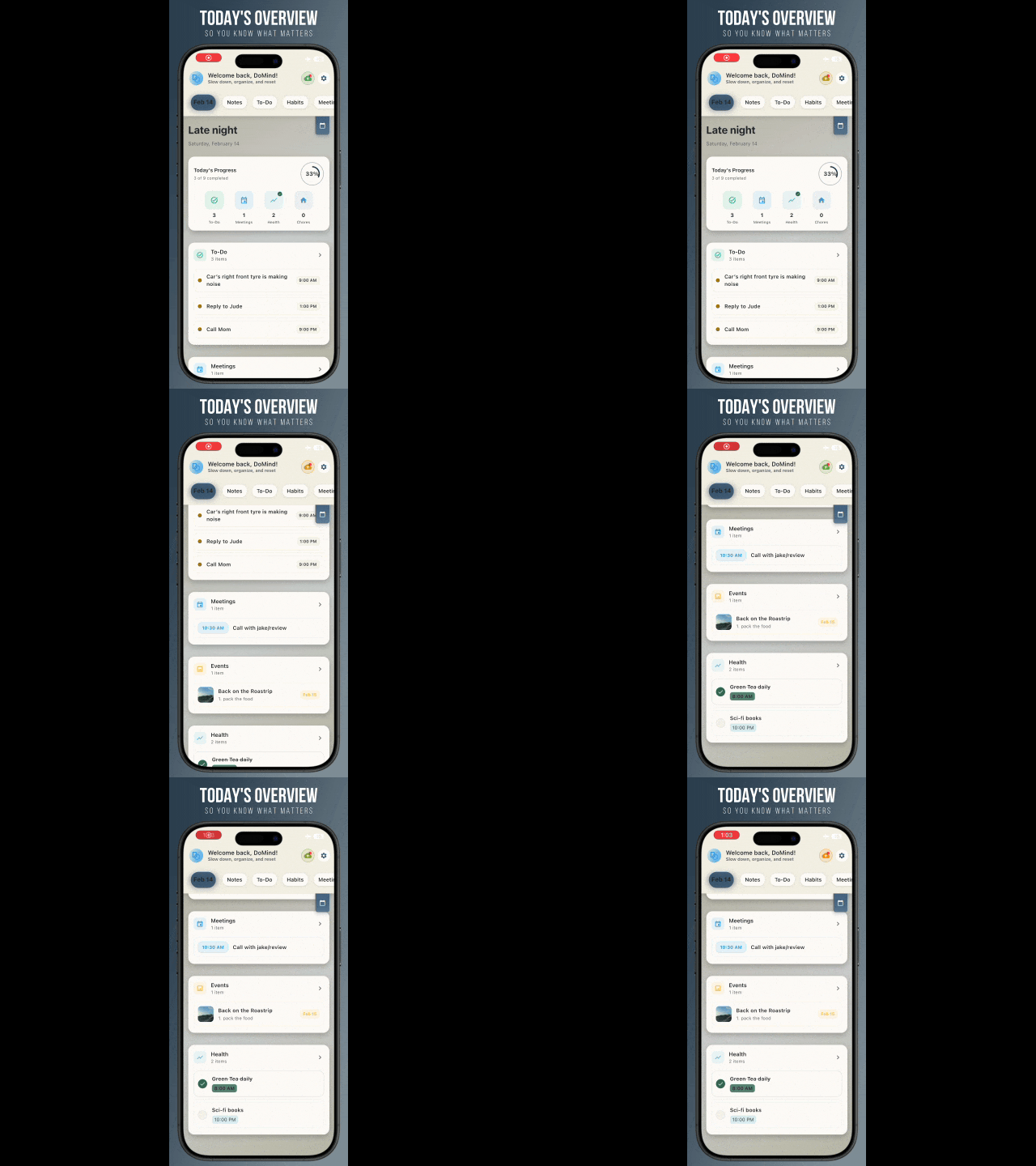
A clean visual planner designed for focus and calm.
Your life, organized
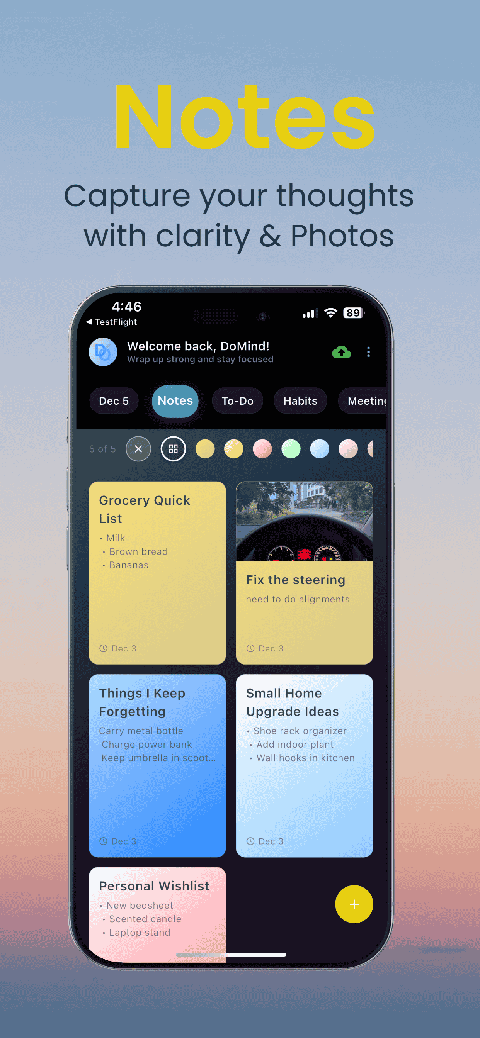
Visual notes
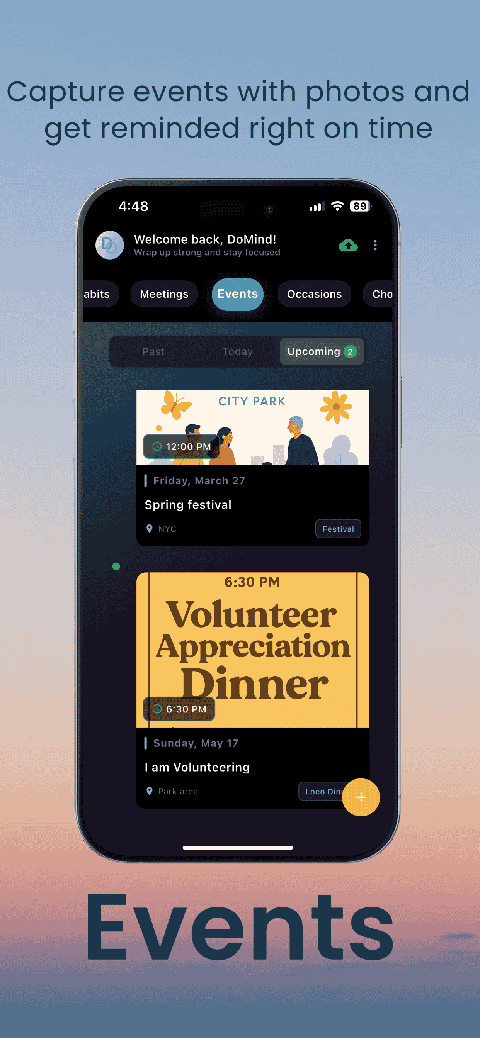
Plan events
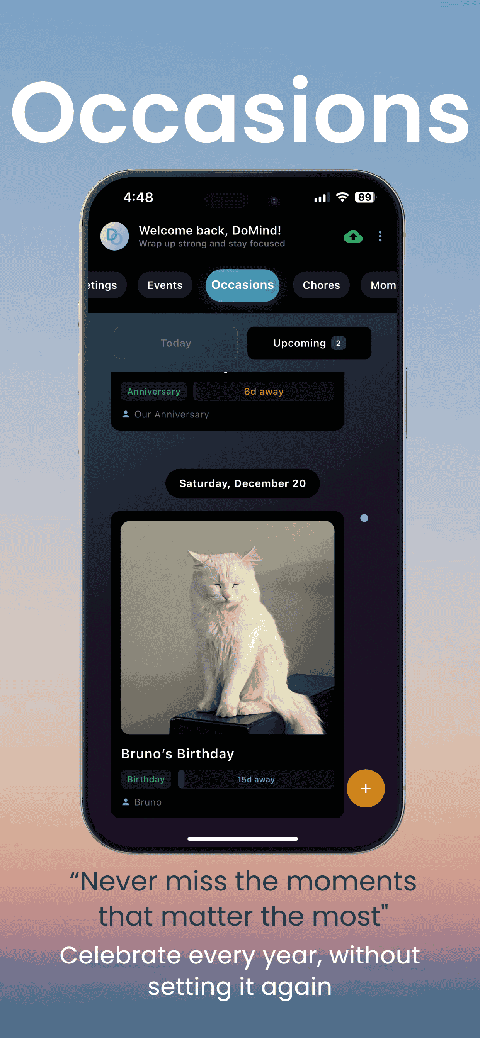
Private memories
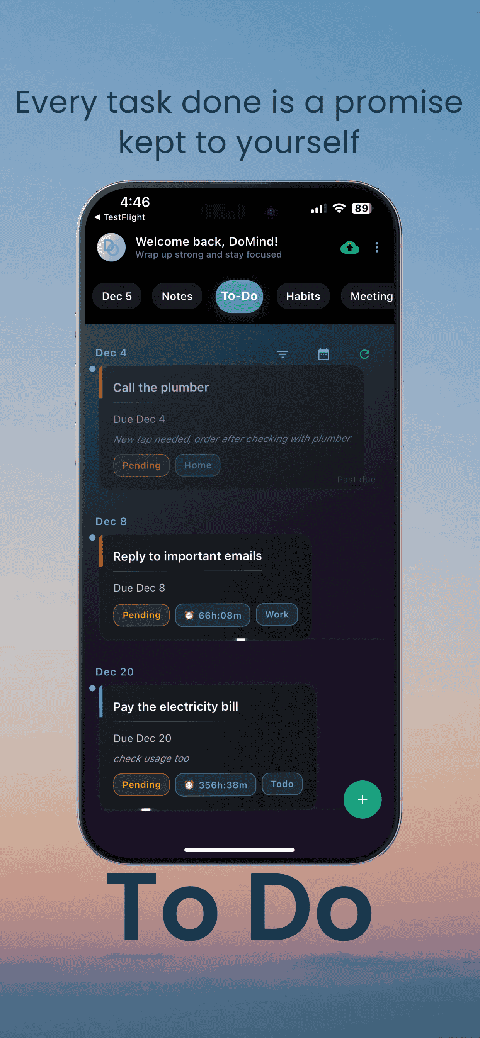
Manage tasks visually
Choose themes
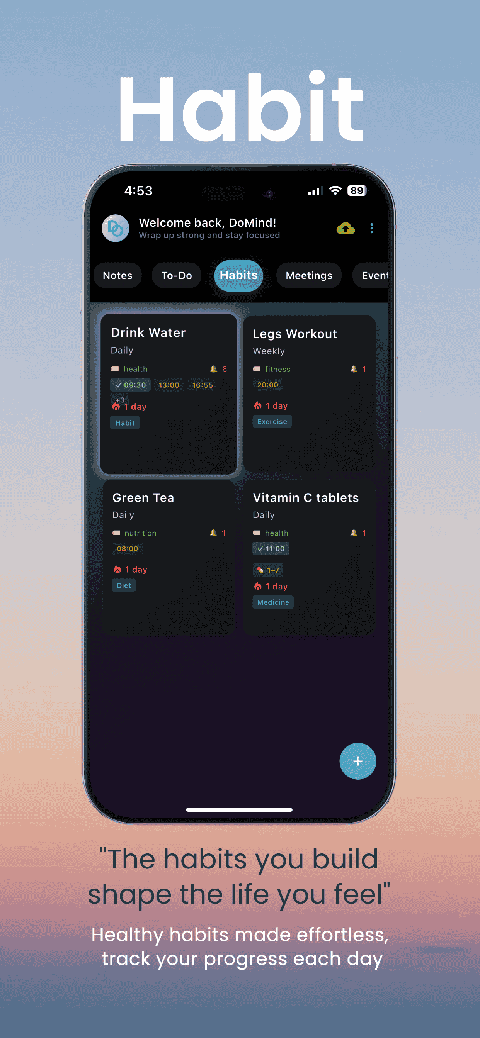
Track habits
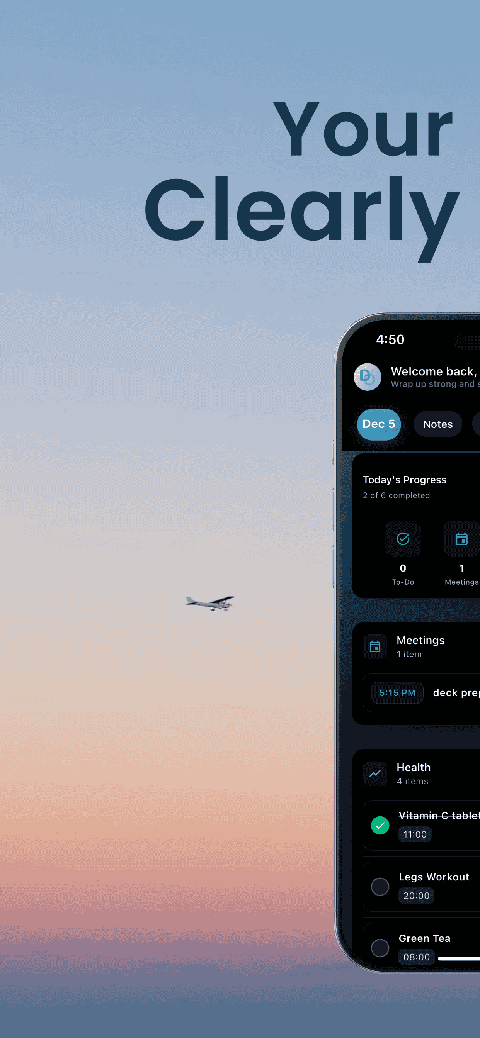
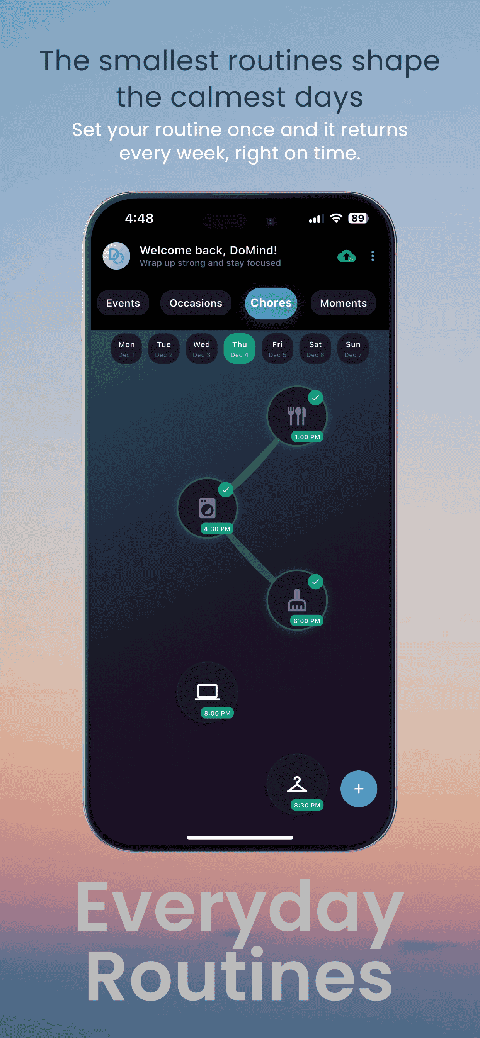
Organize routines
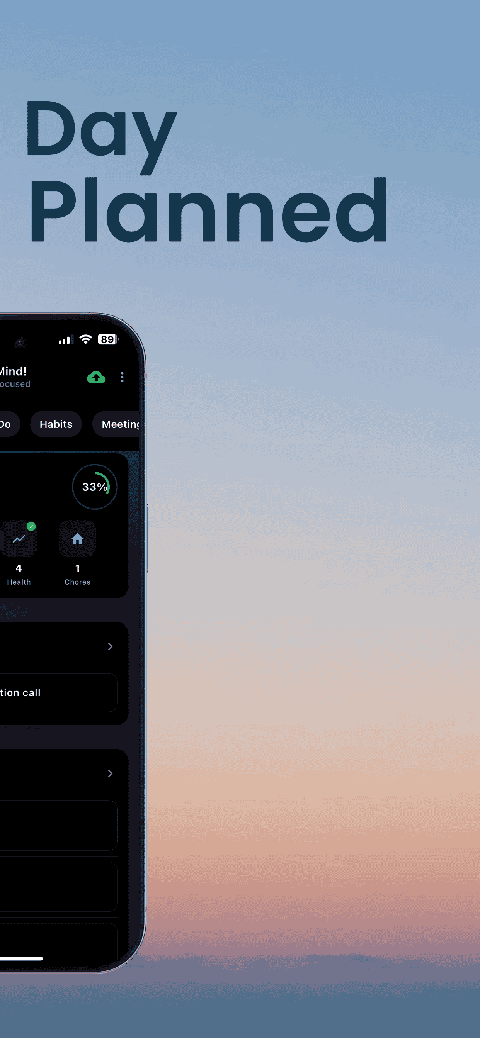
Visual experience
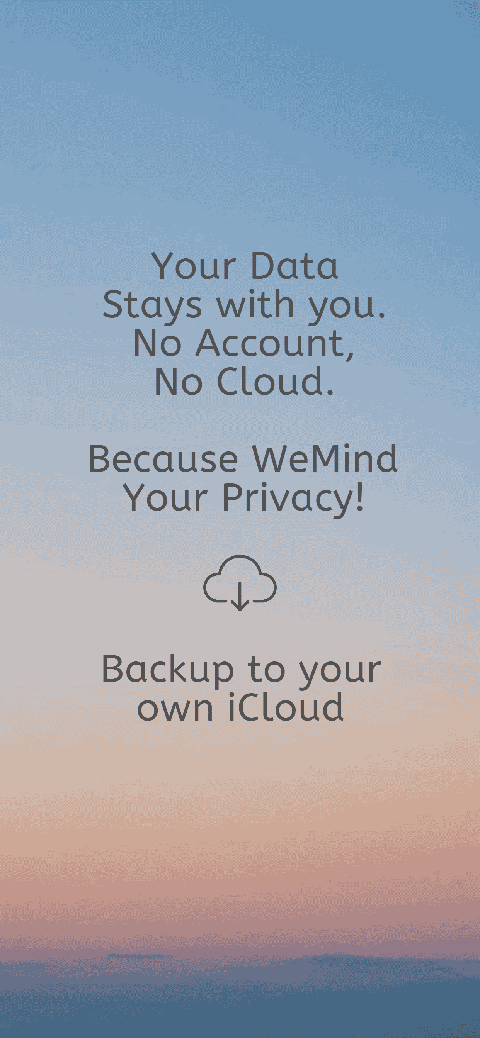
Calm interface
Standard planners feel like a wall of text. They trigger overwhelm.
Download DoMind free — the visual planner that respects your privacy.